Avoiding Common Pitfalls: A Guide to Optimizing Your Tech Stack
Choosing new technology often starts with a wave of optimism, a vision of streamlined workflows and unparalleled productivity. Yet, this excitement frequently obscures a landscape riddled with costly mistakes. A staggering number of IT projects fail to meet their objectives, not because the technology was flawed, but because the initial assessment was. This disconnect between promise and reality leads to bloated budgets, frustrated teams, and a tech stack that creates more problems than it solves.
These failures are rarely caused by a single catastrophic event. Instead, they are the result of a thousand small oversights that accumulate over time. The cycle begins with chasing trendy features instead of solving core business needs and continues with underestimating the critical importance of scalability and integration. Decision-makers, often removed from day-to-day operations, can easily fall for compelling marketing while ignoring the practical requirements of the end-users who will live with the software every day.
What happens after the purchase is just as critical. The ‘set it and forget it’ approach to configuration is a leading cause of security breaches and operational friction. From misconfigured cloud access controls to poorly tuned security software, the default settings are rarely the optimal ones. This guide will walk you through the most common pitfalls at every stage—from initial assessment and biased comparisons to the hidden costs of cloud services and the neglected human element in security—providing a clear roadmap to build a tech stack that is efficient, secure, and aligned with your goals.
Understanding the ‘Why’: Missteps in Initial Tech Assessment
Choosing a new piece of technology can feel exhilarating, full of promise for boosted productivity and streamlined workflows. But this initial excitement often masks a critical oversight in planning. A report from the Project Management Institute (PMI) highlights that a staggering 31% of IT projects don’t meet their goals due to poor requirements gathering during the assessment phase. The foundation is everything.
Many teams fall into predictable traps that sabotage their tech stack from the very beginning. Getting the initial assessment right isn’t just about avoiding headaches; it’s about ensuring the tools you select actually serve the business instead of creating new problems. The most common errors are surprisingly basic, yet consistently overlooked.
Ignoring True Business Needs vs. Trendy Features
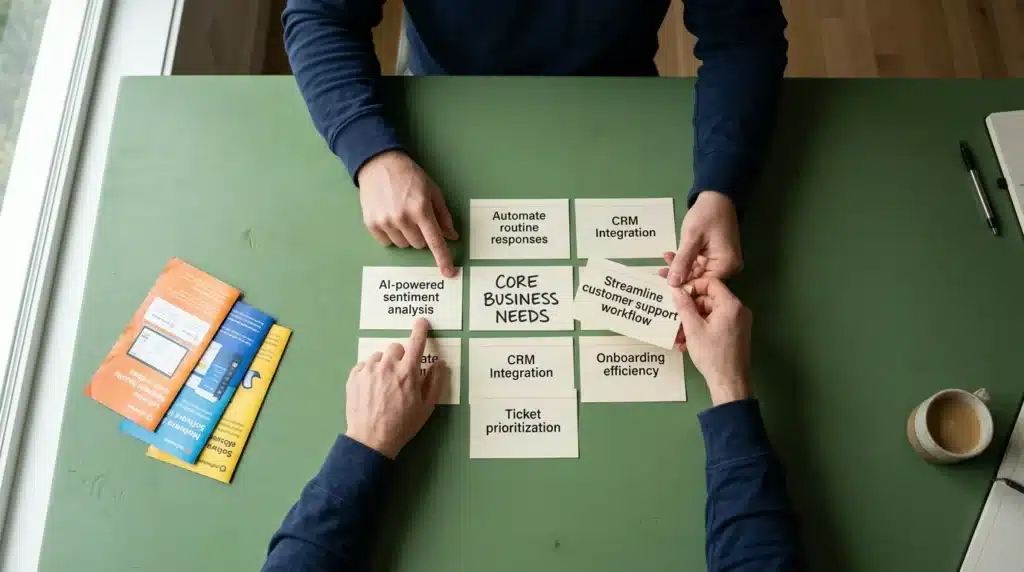
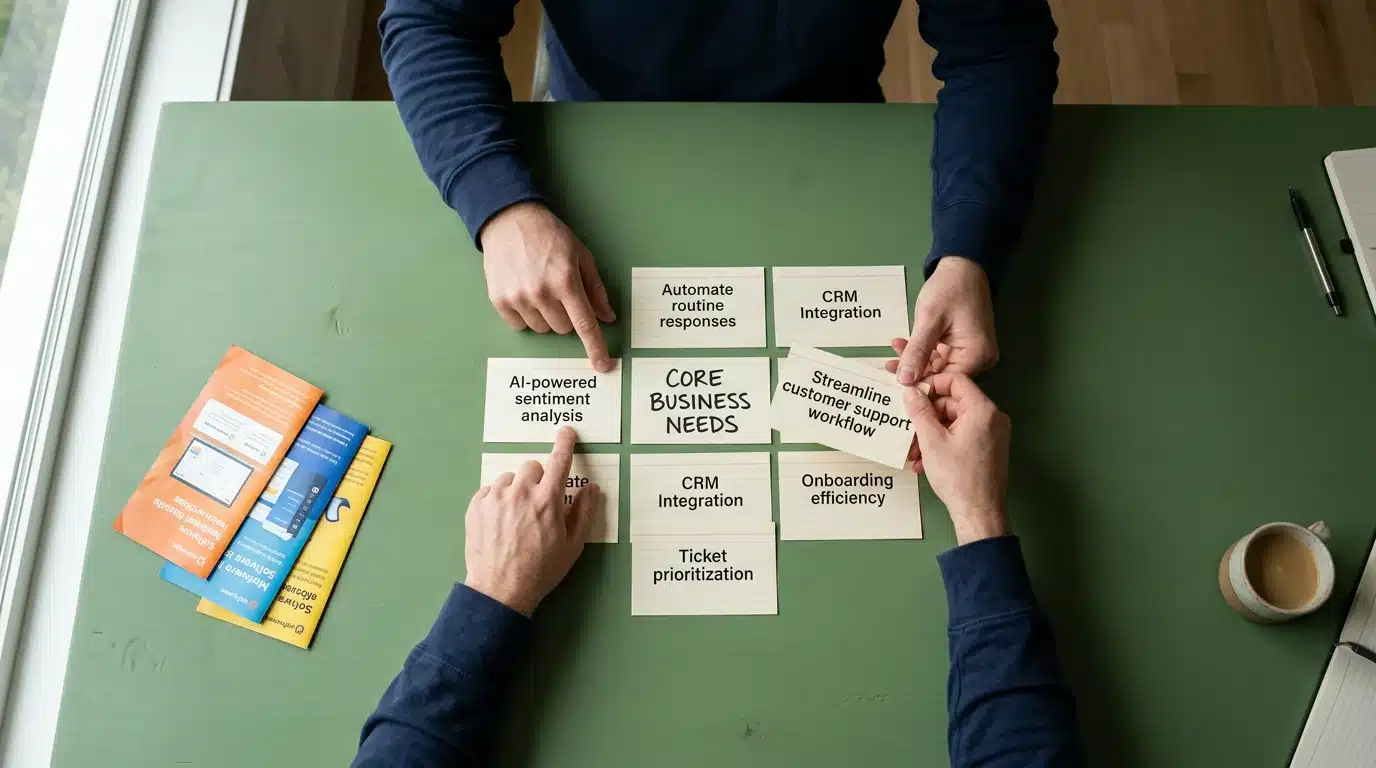
The allure of the “next big thing” is powerful, leading many organizations to adopt software based on buzzworthy features rather than core business requirements. It’s like buying a professional race car for your daily commute to the grocery store — impressive, but wildly impractical and inefficient. The underrated factor here is the discipline to ask whether a feature solves a genuine, existing problem or just looks good in a demo. What real-world bottleneck will this “AI-powered sentiment analysis” actually fix for your support team?
This mistake often stems from a disconnect between decision-makers and end-users. Without a deep understanding of daily workflows, it’s easy to over-invest in complexity. A prime example is a small business choosing an enterprise-level CRM with dozens of modules when a simple contact manager would suffice, a common pitfall when teams fail at picking the right platform for their business from the start.
Underestimating Scalability and Integration Requirements
A tool that works perfectly for a five-person startup can completely crumble under the pressure of a 50-person team. Scalability isn’t a future problem; it’s a present-day consideration. Many decision-makers select software that meets their immediate needs without considering how it will grow with the company. This shortsightedness forces expensive and disruptive migrations down the line.
Integration is the other side of this coin. A new tool doesn’t exist in a vacuum — it must communicate with your existing software stack. What most people miss is the hidden cost of data silos created by tools that don’t play well together. A lack of strong APIs can turn a promising new application into an isolated information island, requiring manual data entry and creating inconsistencies. A strategic evaluation for modern businesses must account for how a service connects to the broader ecosystem.
Failing to account for these integration points plants the seeds for significant technical debt before the first user even logs in.
The Perils of ‘Set It and Forget It’: Common Configuration Blunders
Acquiring a new piece of technology is just the first step. The real work begins with configuration, and treating it like a one-time task is like building a house and never checking the locks. Many teams fall into the trap of assuming the default settings are secure or that the initial setup is sufficient for the long term. This is a dangerous oversight.
The reality is that misconfiguration remains a leading cause of data breaches. A report from IBM Security found that cloud misconfigurations cost companies an average of $4.41 million per incident. The problem isn’t the technology itself, but how it’s wired into your existing ecosystem. It’s a persistent, low-level threat that often goes unnoticed until it’s too late.
Cloud Service Access Control & Identity Management
One of the most frequent blunders occurs in managing who can access what within your cloud environment. It’s tempting to grant broad permissions to get a project up and running quickly, but this creates massive security holes. Over-privileged accounts are a prime target for attackers, giving them a wide-open door if a single set of credentials is compromised.
This is where disciplined identity and access management (IAM) becomes critical. You need granular control, not a blanket approach. Many organizations struggle with this, and the data suggests — though not conclusively — that over 90% of organizations have at least some over-privileged cloud identities. Properly architecting your access controls from day one is a core part of building resilience in your digital infrastructure. The goal is to ensure users and services have only the minimum access required to perform their functions.
Security Software Rule Sets and False Positives
Your security software is only as effective as its rules. Many tools come with generic, out-of-the-box rule sets that are not tailored to your specific environment. This leads to two opposite but equally damaging problems: missed threats or an overwhelming flood of false positives. When your security team is bombarded with thousands of benign alerts, what are the odds they’ll spot the one that actually matters?
This is known as alert fatigue. It desensitizes analysts, causing them to ignore or disable notifications — essentially turning off the fire alarm because it went off every time someone made toast. Fine-tuning these rules requires an ongoing effort to understand your network’s normal traffic patterns. This initial investment of time is covered in many a beginner’s guide to digital self-defense, but is often skipped in the rush to deployment.
Application Permissions and Data Exposure
Modern applications, especially those connecting via APIs, create a complex web of permissions. A single misconfigured setting in one application can inadvertently expose sensitive data from another. The underrated factor here is the transitive nature of trust between integrated services. You might trust App A, but do you trust all the other apps that App A connects to?
Least Privilege Principle Overlooks
The principle of least privilege (PoLP) dictates that a user or application should only have the bare minimum permissions necessary to complete its task. It’s a simple concept, yet its implementation is surprisingly rare. Developers needing temporary database access might get permanent admin rights, or a marketing automation tool might be granted read/write access to your entire customer database when it only needs to see email addresses. These are not malicious acts; they are shortcuts taken under pressure.
These shortcuts accumulate over time, creating a hidden map of excessive permissions just waiting to be exploited.
Default Settings Vulnerabilities
Default configurations are designed for ease of use, not maximum security. Think about a publicly accessible Amazon S3 bucket—a classic misconfiguration that has led to numerous high-profile data leaks. Many cloud service providers have improved their default stances, but the responsibility ultimately lies with the user.
Other common examples include leaving default administrative usernames and passwords (like ‘admin’/’admin’) on network devices or failing to disable unnecessary ports and services on a server. Each of these default settings is a potential entry point. The initial setup process must include a thorough audit of every single configuration, changing all defaults to align with your organization’s security posture. Ignoring this is like leaving the keys in the ignition of a brand-new car.
An unpatched system is a ticking clock.
— David Chen, TechSecure Labs
| Area of Concern | Common Pitfall | Strategic Solution |
|---|---|---|
| Initial Assessment | Choosing tech based on hype vs. actual business needs. | Define core problems and user workflows before evaluating any software. |
| Configuration | Relying on default settings, especially for security and access. | Implement the Principle of Least Privilege (PoLP) and conduct regular configuration audits. |
| App Comparison | Fixating on sticker price and marketing claims. | Focus on Total Cost of Ownership (TCO), including training, integration, and maintenance. |
| Cloud Services | Ignoring hidden costs like data egress fees. | Model future costs, including data transfer, and design to avoid vendor lock-in. |
| Security Maintenance | Treating security software as a ‘set and forget’ solution. | Establish a routine for applying patches and training users on security awareness. |
Beyond the Hype: Avoiding Biased App Comparisons
Selecting a new application often feels like navigating a hall of mirrors, where marketing claims distort the actual product. Companies promise fluid integration and revolutionary features, but the reality can be far different. The underrated factor here is how easily we fall for buzzwords over benchmarks. It’s a common and costly mistake.
Many decision-makers get caught in the crossfire between glowing testimonials and one-star reviews, leading to analysis paralysis. The key is to develop a framework that cuts through the noise. This means defining your non-negotiable requirements before you even look at a product’s website. What problem are you trying to solve?
Misinterpreting ‘User-Friendly’ vs. ‘Feature-Rich’
One of the most pervasive traps is the false dichotomy between a “user-friendly” interface and a “feature-rich” platform. A slick, minimalist design might be marketed as intuitive, but it could hide primary functions behind layers of menus, slowing down power users. Conversely, an app boasting hundreds of features might look impressive on a checklist, but how many will your team actually use? It’s a classic case of feature bloat.
This is where objective analysis becomes critical. Instead of taking marketing at face value, a strategic evaluation of service providers is necessary. A platform with a steeper initial learning curve might offer significantly more efficiency in the long run. The term “user-friendly” often just means it resembles software you’ve used before—a familiarity that doesn’t always equate to superior performance.
| Metric | TaskFlow Pro (Marketing Claim) | ProjectGrid Elite (Practical Metric) |
|---|---|---|
| Collaboration | “Synergize teams with dynamic chat!” | Integrated per-task comment threads with @mentions and file attachment support up to 250MB. |
| Automation | “AI-Powered Workflow Automation” | Rule-based automation for 3 triggers: task status change, due date arrival, and new task creation. |
| Reporting | “Generate deep-dive analytics instantly.” | Offers 5 pre-built report templates (burndown, velocity, workload) exportable to PDF and CSV. |
The Cost vs. Value Delusion
Another significant pitfall is fixating on the sticker price while ignoring the Total Cost of Ownership (TCO). A cheaper subscription is tempting, but it can mask hidden expenses. These often include costs for mandatory add-ons, extensive employee training, and specialized developer time needed for integration. A low monthly fee means nothing if your team spends 10 extra hours a week wrestling with the software.
Surprisingly, the initial license fee is often just the tip of the iceberg. Data from industry analysts at Gartner consistently shows that for enterprise software, implementation and personnel training can cost 1.5 to 3 times the initial purchase price. This is why it’s vital to consider the entire ecosystem. Does the app integrate smoothly with your existing tools? What are the long-term maintenance requirements? Thinking about these factors is part of architecting for long-term digital resilience, not just picking a tool for today.
Ultimately, value is not about finding the cheapest option but the one that provides the most efficiency and security for the investment. Sometimes, paying more for a platform with strong, built-in security is more cost-effective than bolting on solutions later, a core lesson from any good beginner’s guide to digital self-defense. The real value emerges when a tool seamlessly fits into your workflow, saving time and reducing friction over months and years.
Security Software: Overlooking the Human Element and Maintenance
Many teams mistakenly believe that purchasing a top-tier security suite is a one-and-done solution. They install the software and assume they’re protected, but the reality is far more complex. The underrated factor here is the human operator, as even the best defenses can be bypassed by simple user error. Think of it like a bank vault; the door might be impenetrable, but it’s useless if an employee gives the combination away.
According to Verizon’s Data Breach Investigations Report, a staggering 74% of breaches involve a human element, from phishing scams to simple misconfigurations. What good is advanced threat detection if your team isn’t trained to spot a suspicious email—and let’s be honest, we’ve all been tempted by a convincing one? Building a security-aware culture is as vital as the software, a core concept in any good beginner’s guide to digital self-defense.
Neglecting ongoing maintenance is the other side of this dangerous coin.
Running security software without regular updates is like driving a car without ever changing the oil; eventually, it’s going to break down. Developers constantly release patches for newly discovered vulnerabilities, and failing to apply them leaves your systems exposed. As cybersecurity analyst David Chen from TechSecure Labs notes, “An unpatched system is a ticking clock.” This constant need for vigilance is central to the ongoing evolution of cyber defenses, and ignoring it negates your initial investment entirely.
Cloud Services: The Hidden Costs and Vendor Lock-in Traps
Moving to the cloud is often sold as a simple cost-saving measure, but the reality is far more complex. Many organizations find their monthly bills creeping up, far exceeding initial projections. The trap isn’t the upfront cost; it’s the slow accumulation of operational expenses and strategic dead ends that catch you by surprise. It’s a common story.
What most people miss is how cloud pricing models are engineered to be sticky. They make it easy and cheap to get your data in, but much harder—and more expensive—to get it out or even move it between services. A recent study by the FinOps Foundation found that 32% of cloud spending is considered wasted, a figure that points directly to misunderstood billing and poor resource management.
Understanding Egress Fees and Data Transfer Costs
One of the most common “gotchas” in cloud billing is the egress fee. This is the charge providers levy when you move data out of their network. While uploading your data (ingress) is almost always free, downloading it or transferring it to another region or service can incur significant costs. Think of it like a hotel that doesn’t charge for luggage on arrival but has a hefty fee for every bag you take with you when you check out.
These fees can stifle innovation and prevent you from using the best tool for the job if it resides with a different provider. How can you accurately budget if a core business function—like moving your own data—comes with a variable penalty? For many, these costs only become apparent after a data-heavy application is already deeply integrated into the ecosystem, making a move prohibitively expensive. This is a critical factor when strategically evaluating different providers from the outset.
The Illusion of ‘Free Tier’ Scalability
The “free forever” tier is a brilliant marketing tool for cloud providers. It allows developers and small businesses to experiment and build without initial investment. The problem arises when your application gains traction and outgrows these limitations. The jump from the free tier to a paid plan isn’t just a small step; it can be a financial cliff.
Suddenly, the services that were free now have per-hour or per-request charges that accumulate with startling speed. The architecture you built on the free services might not be the most cost-effective one at scale, but by then, you’re locked in. The underrated factor here is the technical debt you accumulate by building on a specific provider’s proprietary services—services that are often conveniently part of the free tier. This makes it challenging when you need to pick the right platform for your business as it grows.
It’s a classic bait-and-switch, just executed with APIs instead of sales reps.
Strategies to Mitigate Vendor Lock-in
Avoiding vendor lock-in isn’t about shunning a provider’s powerful, managed services. It’s about making conscious choices that preserve your flexibility. Building an exit strategy from day one ensures you control your tech stack, not the other way around. This involves a preference for interoperable technologies and a clear understanding of where your dependencies lie.
Open Source Alternatives
One powerful strategy is to build your stack using open-source software (like PostgreSQL or RabbitMQ) running on basic cloud infrastructure (IaaS) instead of using a provider’s proprietary equivalent (like Amazon RDS or SQS). While this approach requires more setup and management effort, it gives you complete control. Your application isn’t tied to a specific API, making a future migration to another cloud—or even back on-premise—a much simpler task. Understanding the different cloud service models like IaaS, PaaS, and SaaS is basic to making this choice.
Containerization Benefits
Perhaps the most effective tool against lock-in is containerization, primarily using technologies like Docker and Kubernetes. By packaging your application and its dependencies into a portable container, you abstract it away from the underlying infrastructure. A containerized application can run virtually anywhere that Kubernetes is supported, which includes all major cloud providers and on-premise data centers.
This portability directly counters vendor-specific deployment mechanisms and managed services. According to the Cloud Native Computing Foundation, Kubernetes has an adoption rate of over 90% in production environments, highlighting its role as a de facto standard. Adopting containers not only provides flexibility but also enhances your security posture, a key component of any expert strategy for cloud resilience. This approach turns your cloud provider into more of a utility—like electricity—than a binding partnership.
Proactive Measures: Building a Resilient and Efficient Tech Ecosystem
Shifting from a reactive to a proactive mindset is the final, most important step in optimizing your technology. Instead of just fixing problems as they arise, the goal is to prevent them entirely. Treating your tech stack like a car engine that needs regular tune-ups, rather than just roadside repairs, ensures long-term performance and reliability. This approach requires a commitment to continuous improvement.
So, how do you create a system that fosters this kind of resilience? A recent study from Forrester Research suggests that teams implementing a quarterly tech review cycle reduce critical system downtime by an average of 38%. The key is turning maintenance into a deliberate, scheduled practice.
To build a more efficient and secure environment, consider adopting a continuous improvement loop with these steps:
- Conduct Regular Audits: At least twice a year, review your entire stack. Assess performance metrics, user feedback, and costs. A strategic evaluation of your providers during this time is required to confirm you’re still getting the best value and performance.
- Foster a Feedback Culture: Encourage your team to report friction points and suggest improvements. These frontline insights are invaluable for identifying outdated tools or inefficient workflows before they become major issues.
- Stay Informed and Educate: Technology changes quickly. Dedicate time for your team to research emerging tools and understand the evolution of security software. Subscribing to industry newsletters or setting aside learning hours can make a big difference.
- Document Everything: Maintain clear documentation for your configurations, processes, and decision-making history. This makes onboarding easier and simplifies future audits (and saves your future self a major headache).
By embedding these practices into your operations, you move beyond simply avoiding pitfalls. You begin building a tech ecosystem that is not only stable and secure through expert strategies for cloud security but also flexible enough to adapt to future challenges and opportunities.
Beyond a Checklist: Cultivating Technological Diligence
Avoiding these common pitfalls isn’t about following a simple checklist; it’s about fostering a core shift in organizational mindset. The most successful tech stacks aren’t built on one-time, perfect decisions. They are the product of continuous vigilance, disciplined evaluation, and a culture that prioritizes practical value over fleeting trends. This means empowering end-users to provide feedback, treating configuration as an ongoing process, and viewing security as a shared responsibility rather than just an IT department task.
The true cost of a technology is not its price tag but the friction it adds or removes from your organization over its entire lifecycle. As your business evolves, so too must your tools and the processes that govern them. The ultimate question, then, is not whether you have the ‘best’ tools, but whether your organization has developed the discipline to manage them effectively. Have you built a system of review and adaptation, or are you just waiting for the next expensive pitfall to reveal itself?
Frequently Asked Questions
What are the most common initial mistakes when selecting new software?
The most frequent errors are choosing software based on trendy features rather than genuine business needs and underestimating future scalability requirements. Many teams fail to involve end-users, leading to a disconnect between the tool’s capabilities and the team’s actual workflow. This results in adopting overly complex or ill-fitting solutions.
How can I prevent security misconfigurations in my cloud services?
To prevent misconfigurations, you must move beyond default settings. Implement the Principle of Least Privilege (PoLP), ensuring users and services only have the minimum access necessary. Regularly audit your Identity and Access Management (IAM) roles and use automated tools to scan for common vulnerabilities like public storage buckets.
What’s the best way to compare software objectively without succumbing to marketing?
Create a detailed checklist of your non-negotiable requirements *before* you start looking at products. During evaluation, focus on the Total Cost of Ownership (TCO), which includes training, integration, and maintenance, not just the subscription fee. Always request a trial or sandbox environment to test the software against your real-world use cases.
Are there hidden costs I should be aware of with cloud service providers?
Yes, several hidden costs often surprise businesses. The most significant are egress fees (charges for moving data *out* of the cloud provider’s network), costs for data transfer between regions, and expenses for premium support tiers. You should also budget for the specialized expertise needed to manage and secure the cloud environment effectively.
How often should I review and update my security software settings?
Security software requires continuous attention, not a one-time setup. Critical vulnerability patches should be applied immediately upon release. A full review of rule sets and configurations should be conducted at least quarterly and also after any significant changes to your network infrastructure or application stack to ensure they remain effective.