Parental Controls 2026: The Ultimate Guide to Digital Safety for Kids

Parental Controls 2026: The Ultimate Guide to Digital Safety for Kids
In an increasingly digital world, the challenge of ensuring our children’s online safety grows more complex each year. As technology evolves at a rapid pace, so do the potential risks and the tools available to mitigate them. Welcome to 2026, where understanding and implementing effective parental controls 2026 is not just an option, but a necessity for every responsible parent. This comprehensive guide will walk you through the latest strategies, technologies, and best practices to safeguard your children in the digital landscape.
The Evolving Digital Landscape: Why Parental Controls Are More Critical Than Ever
The internet of 2026 is vastly different from even a few years ago. With the proliferation of AI-driven content, immersive virtual reality experiences, and ever-present social media platforms, children are exposed to a broader range of content and interactions than ever before. While these advancements offer incredible educational and entertainment opportunities, they also present new avenues for cyberbullying, exposure to inappropriate content, online predators, and the development of unhealthy digital habits.
Effective parental controls 2026 are your first line of defense. They empower you to set boundaries, monitor activity, and guide your children towards responsible digital citizenship. But it’s not just about restricting access; it’s about fostering an environment where children can explore, learn, and connect safely, knowing their parents have their back.
Understanding the Core Pillars of Parental Controls in 2026
To effectively implement parental controls 2026, it’s crucial to understand the key areas they address. Think of these as the foundational pillars of your digital safety strategy:
1. Content Filtering and Blocking
One of the primary functions of parental controls is to prevent access to inappropriate or harmful content. This includes adult websites, violent imagery, hate speech, and other material unsuitable for children. Modern content filters utilize advanced AI and machine learning to identify and block such content across various platforms and applications, not just web browsers.
2. Screen Time Management
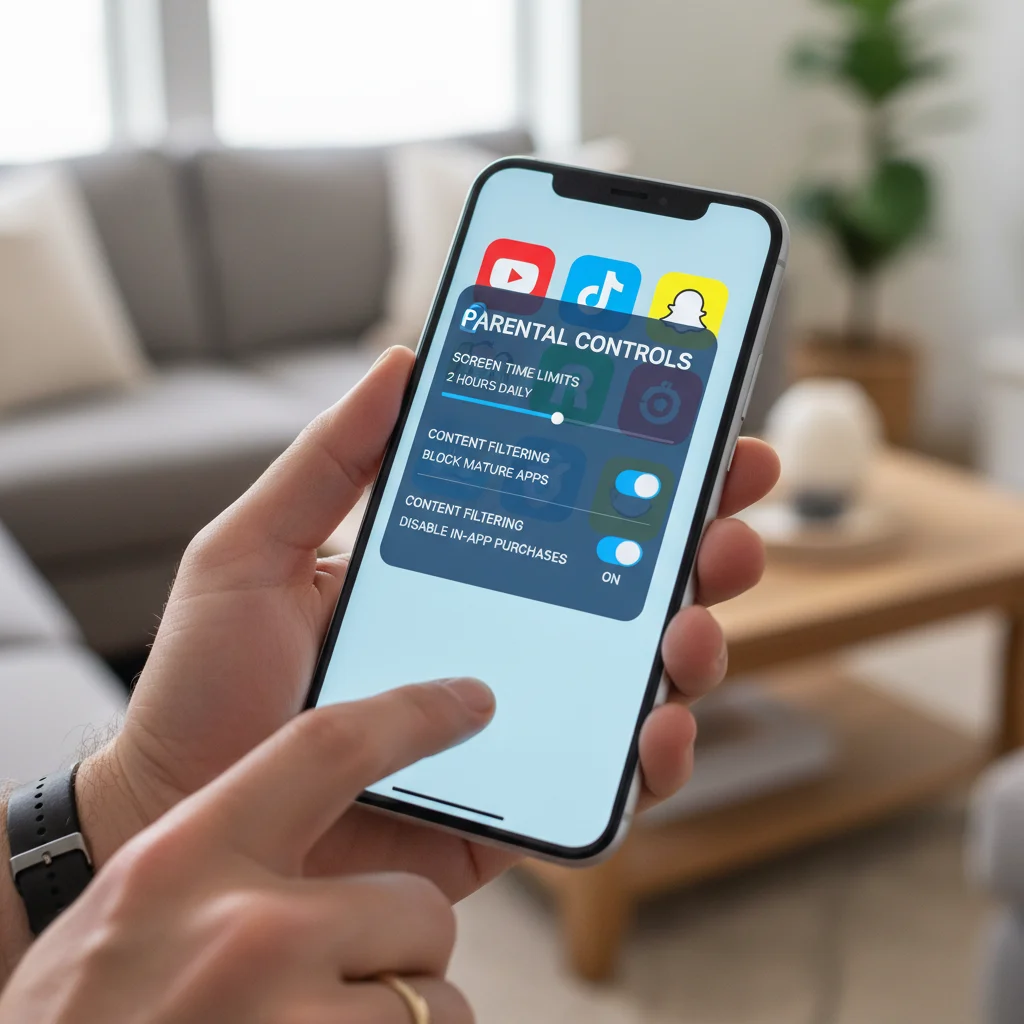
Balancing screen time with other activities is a constant struggle for many families. Parental controls offer robust tools to set daily limits, schedule device usage, and even enforce ‘downtime’ during study hours or bedtime. This helps prevent digital addiction and encourages healthier habits.
3. App and Game Restrictions
Not all apps and games are created equal, and some are certainly not appropriate for all ages. Parental controls allow you to restrict access to specific applications, set age ratings for game downloads, and even prevent in-app purchases, saving you from unexpected bills and your child from unsuitable content.
4. Location Tracking and Geofencing
For younger children or those with specific needs, knowing their physical location can provide immense peace of mind. Many parental control solutions now integrate GPS tracking, allowing you to see your child’s whereabouts and even set up geofences that alert you when they enter or leave a predefined area.
5. Communication Monitoring
In an age of instant messaging and social media, monitoring your child’s digital communications can be vital. Some advanced parental controls 2026 offer features to flag suspicious conversations, detect cyberbullying keywords, or even review messages, always with a clear and open conversation with your child about privacy and safety.
6. Privacy Settings Management
Ensuring your child’s privacy settings are correctly configured on social media and other online platforms is paramount. Parental control tools can help you manage these settings, limiting who can see your child’s posts, photos, and personal information.
Implementing Parental Controls Across Devices and Platforms
The digital ecosystem is diverse, and your children likely use multiple devices and platforms. A truly effective parental controls 2026 strategy requires a multi-faceted approach.
Smartphones and Tablets (iOS & Android)
Both Apple’s iOS and Google’s Android offer built-in parental control features that have become increasingly sophisticated. These are often the first place to start:
- iOS (Screen Time): Access via Settings > Screen Time. Here you can set downtime, app limits, content & privacy restrictions (including explicit content, web content filters, store purchases, and privacy settings for apps).
- Android (Google Family Link): This free app allows you to manage your child’s Google account, approve app downloads, track location, manage screen time, and lock their device. It’s a powerful tool for Android users.
Computers (Windows & macOS)
Desktops and laptops remain central to many children’s digital lives, especially for schoolwork and gaming.
- Windows (Microsoft Family Safety): This service allows you to manage screen time, filter websites and apps, view activity reports, and track location across Windows devices, Xbox, and Android phones.
- macOS (Screen Time): Similar to iOS, macOS includes Screen Time features for managing app usage, setting content restrictions, and scheduling downtime.
Gaming Consoles (PlayStation, Xbox, Nintendo Switch)
Gaming consoles are major hubs for online interaction and content consumption. Each console manufacturer provides robust parental control options:
- PlayStation: Set age restrictions for games, manage spending limits, restrict communication features, and control web browser access.
- Xbox: Manage screen time, content ratings, privacy settings, and multiplayer access. Microsoft Family Safety can integrate with Xbox for a unified approach.
- Nintendo Switch: Control game age ratings, restrict communication with others, and set play time limits via a dedicated smartphone app.
Smart TVs and Streaming Devices
Even your living room TV can be a gateway to inappropriate content. Most smart TVs and streaming devices (Roku, Apple TV, Amazon Fire TV) offer parental controls to restrict content based on ratings and set PINs for purchases.
Routers and Network-Level Controls
For a blanket approach, consider parental controls at the router level. Many modern routers come with built-in filtering capabilities that apply to all devices connected to your home network. This can be particularly useful for devices that don’t have their own robust controls. Third-party DNS filtering services can also add an extra layer of protection.
Choosing the Right Third-Party Parental Control Software for 2026
While built-in controls offer a good starting point, many parents opt for dedicated third-party parental controls 2026 software for more comprehensive features, cross-platform management, and advanced monitoring capabilities. Here are some top considerations:
Key Features to Look For:
- Cross-Platform Compatibility: Can it manage devices running different operating systems (iOS, Android, Windows, macOS)?
- Comprehensive Content Filtering: Does it block inappropriate content across browsers, apps, and even videos?
- Flexible Screen Time Management: Can you set daily limits, schedules, and specific app limits?
- Location Tracking: Is GPS tracking accurate and reliable? Does it include geofencing?
- Activity Reports: Does it provide detailed insights into your child’s online activity?
- Social Media Monitoring: Can it monitor popular social media platforms for risky behavior or cyberbullying?
- Ease of Use: Is the interface intuitive for both parents and children?
- Customer Support: Is reliable support available if you encounter issues?
Popular Third-Party Solutions in 2026:
- Qustodio: Known for its comprehensive features including web filtering, screen time limits, app blocking, location tracking, and even call/SMS monitoring (on Android). It offers excellent cross-platform support.
- Bark: Focuses heavily on monitoring for potential issues like cyberbullying, predatory behavior, and self-harm across over 30 social media platforms, email, and text messages using AI. It alerts parents to potential problems without full message access.
- Net Nanny: Offers robust internet filtering, screen time management, and app blocking. It’s particularly strong in its real-time content filtering technology.
- Kaspersky Safe Kids: A good all-rounder providing web filtering, app control, screen time management, and location tracking, often bundled with Kaspersky antivirus suites.
- Norton Family: From a trusted security brand, it offers web supervision, time supervision, search supervision, and location tracking across multiple devices.
When selecting a third-party solution, consider your family’s specific needs, the age of your children, and the types of devices they use most frequently. Many offer free trials, allowing you to test their effectiveness before committing.
Beyond Technology: The Importance of Communication and Trust
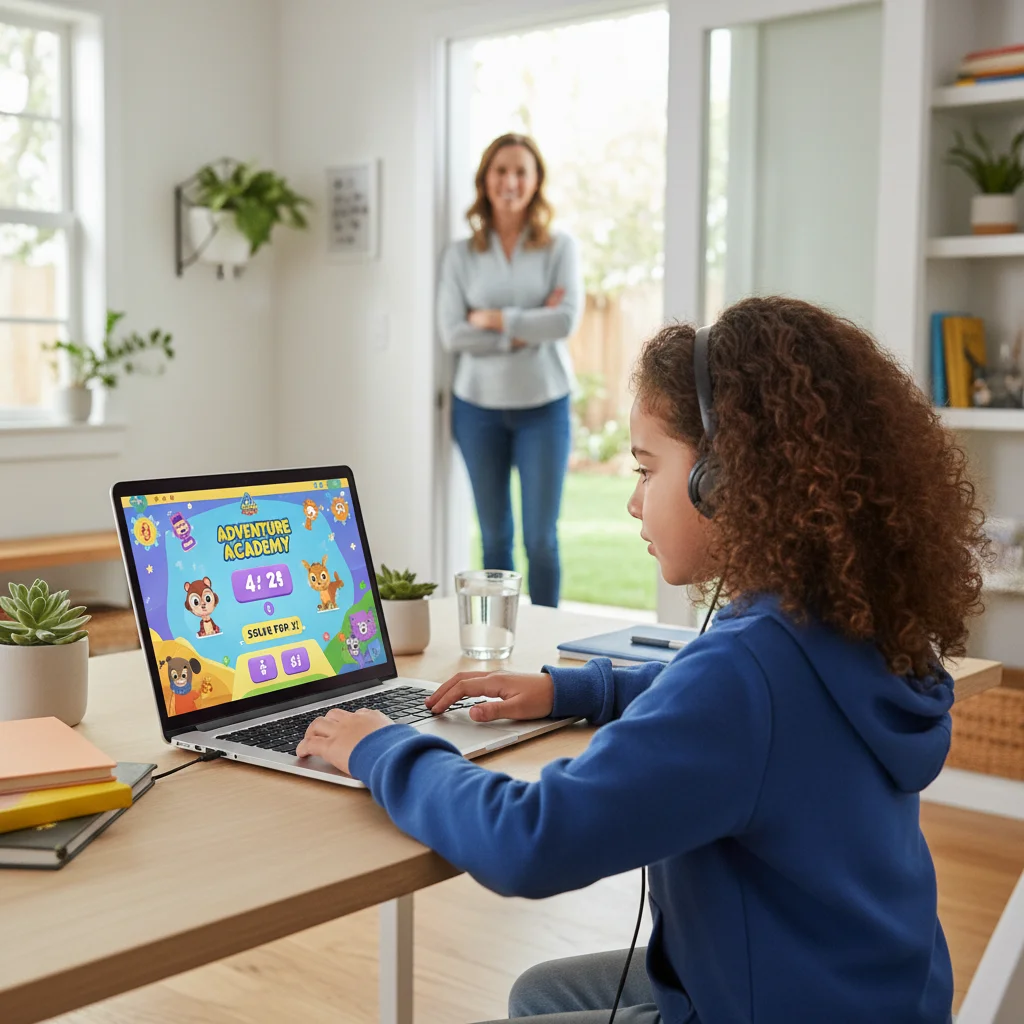
While parental controls 2026 are powerful tools, they are only one part of a holistic digital safety strategy. The most effective approach always combines technology with open communication and building trust with your children.
Start Early and Keep Talking
Begin conversations about online safety as soon as your children start using digital devices. Explain why rules are necessary and how parental controls help keep them safe, rather than feeling like a punishment. Frame it as a partnership in digital exploration.
Set Clear Expectations and Rules
Establish clear family rules for device usage, content, and online interactions. Involve your children in creating these rules where appropriate, making them more likely to adhere to them. Discuss consequences for breaking rules and be consistent in enforcing them.
Lead by Example
Children learn by observing. Model responsible digital behavior yourself. Put away your phone during family meals, take breaks from screens, and be mindful of your own online interactions. Show them that digital balance is important for everyone.
Foster Critical Thinking
Teach your children to be critical consumers of online content. Help them understand what fake news looks like, how to identify phishing attempts, and the importance of privacy. Empower them with the skills to make good decisions online, even when you’re not watching.
Respectful Monitoring
If you choose to monitor your child’s activity, be transparent about it. Explain why you’re doing it and what you’re looking for. Avoid covert surveillance, as it can erode trust. The goal is to ensure safety, not to snoop unnecessarily.
Advanced Strategies for Parental Controls 2026
As children grow older, their digital needs and risks change. Your parental controls 2026 strategy should adapt accordingly.
Digital Contracts
For pre-teens and teenagers, consider creating a family digital contract. This is a written agreement outlining rules for device usage, social media, online privacy, and consequences. It fosters a sense of responsibility and mutual understanding.
Privacy Education
Teach your children about the importance of their digital footprint. Explain that what they post online can be permanent and how it can impact their future. Discuss the dangers of sharing personal information with strangers.
Understanding and Addressing Cyberbullying
Cyberbullying remains a significant concern. Equip your children with strategies to deal with it: don’t respond, block the bully, save evidence, and tell a trusted adult. Ensure they know you are a safe person to come to if they experience or witness cyberbullying.
Identifying and Reporting Online Predators
This is a difficult but crucial conversation. Teach children never to share personal information, never to meet someone they’ve only met online, and to report any suspicious or uncomfortable interactions immediately to you. Familiarize yourself with reporting mechanisms on various platforms.
Managing Online Gaming Risks
Online gaming can expose children to inappropriate language, scams, and strangers. Utilize console parental controls to restrict communication, set spending limits, and monitor game ratings. Encourage playing with known friends and in public spaces if possible.
Recognizing and Preventing Digital Addiction
Be aware of the signs of excessive screen time or potential digital addiction: withdrawal from real-world activities, irritability when screens are removed, sleep disturbances, and declining academic performance. Utilize screen time limits and encourage alternative activities.
The Future of Parental Controls: What to Expect Beyond 2026
The landscape of parental controls 2026 is dynamic, and it will continue to evolve. We can anticipate even more sophisticated AI-driven monitoring, personalized content recommendations based on family values, and deeper integration with smart home ecosystems. Virtual and augmented reality will introduce new challenges and opportunities for safety. Staying informed and adaptable will be key to protecting future generations.
Conclusion: Empowering Your Children for a Safe Digital Future
Navigating the digital world as a parent in 2026 requires a proactive, informed, and balanced approach. By effectively implementing parental controls 2026, fostering open communication, and teaching critical digital literacy skills, you can create a safe and enriching online environment for your children.
Remember, technology is a tool. How we use it, and how we teach our children to use it, ultimately determines its impact. Embrace the power of parental controls not as a means of control, but as a foundation for empowering your children to become responsible, resilient, and safe digital citizens.
Stay vigilant, stay informed, and most importantly, stay connected with your children as they explore the vast and exciting digital frontier.