In an increasingly digital world, where our lives are intricately woven into the fabric of the internet, the importance of robust digital security cannot be overstated. As we step into 2026, the landscape of cyber threats continues to evolve at an alarming pace, making secure password management not just a recommendation, but an absolute necessity. This comprehensive guide will equip you with the knowledge and tools to navigate this complex environment, ensuring your online identity remains protected against sophisticated attacks. We’ll delve deep into the art of crafting impenetrable passwords, explore the critical role of password managers, and review some of the top solutions available today.
The average internet user juggles dozens, if not hundreds, of online accounts. From banking and social media to email and e-commerce, each platform represents a potential vulnerability if not properly secured. A single compromised password can create a cascading effect, granting malicious actors access to multiple aspects of your digital life. This is precisely why understanding and implementing effective secure password management strategies is paramount. It’s no longer enough to simply remember a few common passwords; the stakes are too high.
This article aims to be your definitive resource for everything related to password security in 2026. We will cover the foundational principles of strong password creation, debunk common myths, and provide actionable advice that you can implement immediately. Furthermore, we will explore the indispensable role of password managers, discussing their benefits, features, and how to choose the right one for your specific needs. By the end of this guide, you will have a clear roadmap to enhance your digital fortress and protect your valuable online assets.
The Evolving Threat Landscape: Why Secure Password Management is More Critical Than Ever
The year 2026 brings with it new challenges in cybersecurity. Phishing attacks are more sophisticated, ransomware is more prevalent, and AI-powered brute-force attacks are becoming increasingly efficient. Traditional password habits, such as reusing passwords or using easily guessable information, are no longer viable. Cybercriminals are constantly innovating, developing new techniques to exploit vulnerabilities and gain unauthorized access to personal and corporate data. The sheer volume of data breaches reported annually underscores the urgent need for individuals and organizations alike to prioritize secure password management.
One of the most significant threats comes from large-scale data breaches where millions of usernames and passwords are stolen from various online services. These credentials often end up on the dark web, where they are bought and sold, enabling credential stuffing attacks. If you use the same password for different services, a breach on one site can compromise all your accounts. This interconnectedness of our digital lives means that a weakness in one area can quickly become a vulnerability across the board.
Another growing concern is the rise of sophisticated social engineering tactics. Attackers are becoming adept at manipulating individuals into revealing their login credentials through convincing fake emails, messages, or phone calls. These attacks often leverage psychological principles to bypass technical security measures, making human vigilance a crucial component of overall security. Therefore, not only must our passwords be strong, but our awareness of these manipulative tactics must also be heightened. This holistic approach to security is what defines effective secure password management in 2026.
Furthermore, the advent of quantum computing, while still in its nascent stages, poses a long-term threat to current encryption standards. While quantum-resistant algorithms are under development, the future implications for password security are undeniable. Staying ahead of these technological shifts requires constant vigilance and adaptation of security practices. For now, focusing on strong, unique passwords and robust management systems remains our best defense against the current and near-future threats.
Crafting Impenetrable Passwords: The Foundation of Digital Security
Before we even discuss management tools, the cornerstone of secure password management is the password itself. A strong password is your first line of defense. But what exactly constitutes a ‘strong’ password in 2026? It goes beyond simply adding a number or a special character. Here are the key principles:
Length is King (and Queen):
The longer the password, the harder it is to crack. While 8-character passwords were once considered acceptable, they are now highly vulnerable to brute-force attacks. Aim for a minimum of 12-16 characters, and ideally even longer. Each additional character exponentially increases the number of possible combinations, making it significantly more time-consuming for attackers to guess or crack.
Diversity is Key:
Combine uppercase letters, lowercase letters, numbers, and special characters (!@#$%^&*). Avoid predictable patterns like keyboard sequences (e.g., ‘qwerty’) or simple substitutions (e.g., ‘p@ssw0rd’). The more varied your character set, the stronger your password. This diversity makes it more challenging for dictionary attacks and common cracking algorithms.
Uniqueness is Non-Negotiable:
Never, ever reuse passwords across different accounts. This is perhaps the single most critical rule in secure password management. As discussed, a breach on one service can compromise all your accounts if you recycle passwords. Each online service should have a unique, strong password. This practice isolates potential breaches, limiting the damage to a single account.
Randomness Over Predictability:
Avoid using personal information that can be easily found online (birthdays, pet names, family names, addresses, etc.). Also, steer clear of common words or phrases, even if combined with numbers or symbols. The best passwords are truly random strings of characters, or long passphrases that are nonsensical yet memorable to you.
Passphrases: A Smart Alternative:
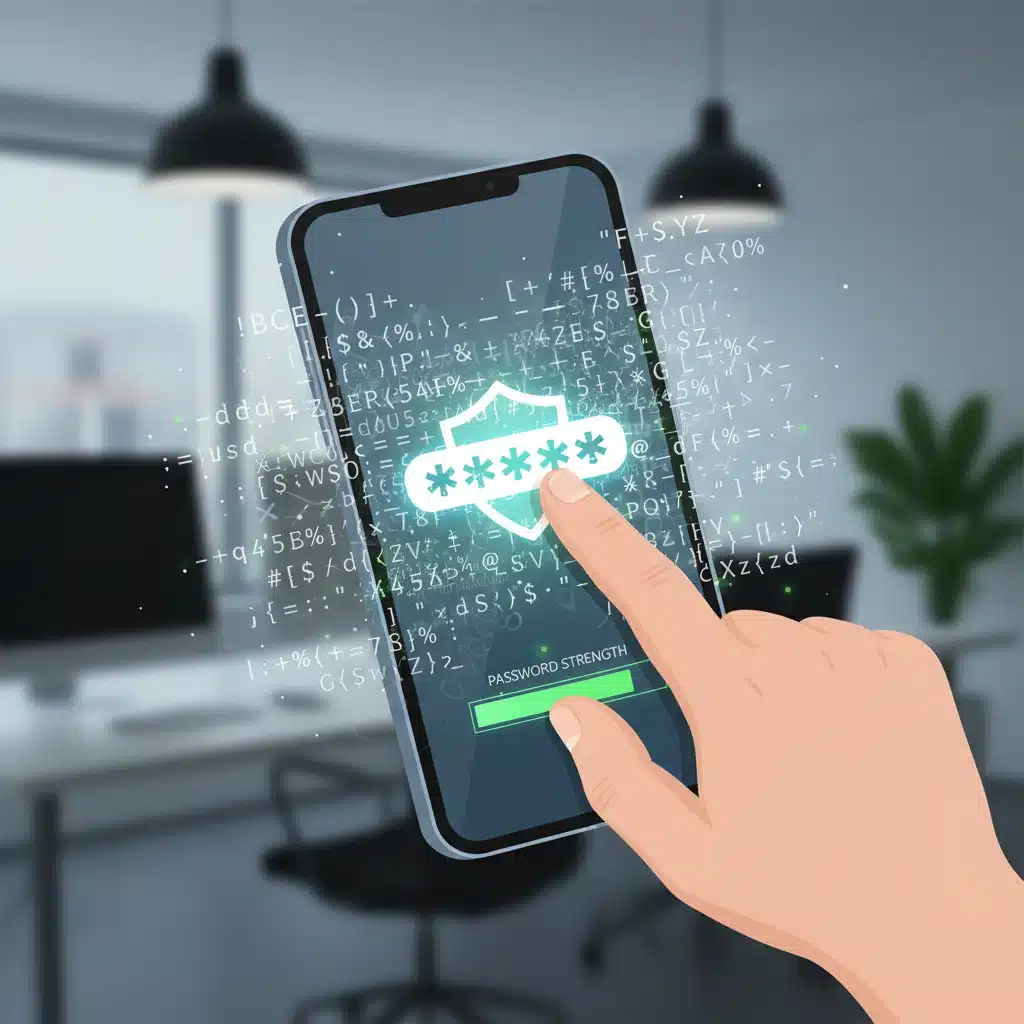
For those who struggle with remembering complex random strings, a passphrase can be an excellent alternative. A passphrase is a sequence of several unrelated words, often separated by spaces or special characters. For example, ‘BlueElephantJumpedOverTheMoon!26’ is much stronger and easier to remember than ‘B3!phM00nJmpd26’. The key is to make it long and unpredictable, using words that don’t logically connect.
Debunking Common Password Myths
Misinformation about password security is rampant. Let’s clear up some common myths that can undermine your secure password management efforts:
Myth 1: Changing your password frequently makes it more secure.
Reality: While this was once a common recommendation, forcing frequent password changes often leads users to choose simpler, more predictable passwords (e.g., ‘Password1’, ‘Password2’). The current consensus among cybersecurity experts is that a strong, unique password that is never reused is more secure than a weak password that is changed often. Only change your password if there’s a suspected breach or a compelling reason.
Myth 2: Using a special character at the end of a word makes it strong.
Reality: While special characters are important, simply appending ‘!1’ or ‘#$’ to a common word is easily predictable by modern cracking tools. The placement and diversity of special characters throughout the password are what truly add strength.
Myth 3: Security questions are a good backup.
Reality: Many security questions (e.g., ‘What was your mother’s maiden name?’) have answers that can be easily found through public records or social media. If you must use them, treat the answers like passwords: make them unique, random, and even intentionally incorrect (but memorable to you).
Myth 4: My accounts aren’t important enough to be targeted.
Reality: Every account holds some value to cybercriminals, whether it’s for identity theft, sending spam, or using your device as part of a botnet. Even seemingly insignificant accounts can be stepping stones to more valuable targets. Everyone is a potential target, making secure password management universally important.
The Indispensable Role of Password Managers in 2026
Given the need for long, complex, unique passwords for every online account, remembering them all becomes an impossible task. This is where password managers become absolutely indispensable for effective secure password management. A password manager is a secure digital vault that stores all your login credentials, generates strong passwords, and often autofills them for you on websites and applications.
How Password Managers Work:
At their core, password managers use strong encryption to protect your stored credentials. You only need to remember one master password to unlock your vault. Once unlocked, the manager can automatically fill in your usernames and passwords as you browse the web or use apps. This not only saves you time but also eliminates the need to remember dozens of complex passwords, reducing the temptation to reuse them or write them down.
Key Benefits of Using a Password Manager:
- Generates Strong, Unique Passwords: Most password managers come with built-in password generators that can create truly random, highly complex passwords of any desired length, incorporating all character types.
- Eliminates Password Reuse: By generating and storing unique passwords for each site, password managers effectively eliminate the risk associated with password reuse.
- Secure Storage: Your passwords are encrypted and stored securely, far safer than writing them on a sticky note or in a plain text document.
- Convenience and Efficiency: Auto-filling credentials saves time and reduces friction, making strong security less burdensome.
- Cross-Device Synchronization: Many managers sync your vault across all your devices (desktop, laptop, smartphone, tablet), ensuring you have access to your passwords wherever you are.
- Security Audits: Advanced features often include security audits that identify weak, reused, or compromised passwords in your vault, prompting you to update them.
- Two-Factor Authentication (2FA) Integration: Some managers can store and generate 2FA codes, further streamlining your security practices.
- Secure Sharing: Many allow you to securely share passwords with trusted individuals (e.g., family members or team members) without revealing the password itself.
Choosing the Right Password Manager: Top Contenders for 2026
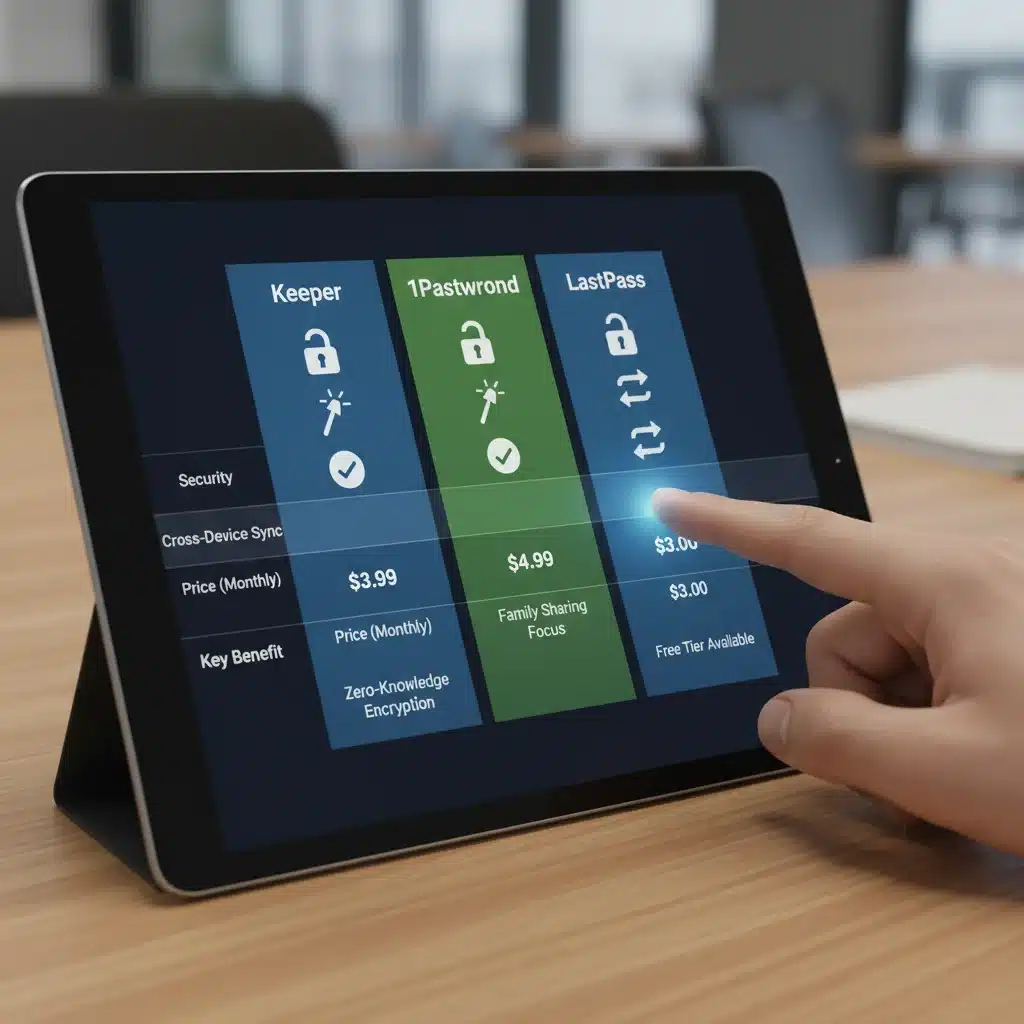
The market for password managers is robust, with several excellent options available. When choosing a password manager for your secure password management strategy, consider factors like ease of use, security features, platform compatibility, pricing, and customer support. Here are three top contenders that consistently receive high marks in 2026:
1. LastPass: A User-Friendly Powerhouse
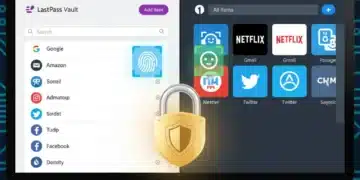
LastPass has long been a popular choice for both individuals and businesses, known for its intuitive interface and comprehensive feature set. It offers robust encryption, cross-device synchronization, and an excellent password generator. Its free tier provides basic functionality, while premium versions unlock advanced features like dark web monitoring, one-to-many sharing, and emergency access. LastPass integrates seamlessly with most browsers and operating systems, making it a highly accessible option for enhancing your secure password management.
- Pros: Excellent free tier, strong security features, user-friendly interface, extensive browser and device compatibility, secure notes, form filling, and secure sharing capabilities.
- Cons: Some users have reported occasional glitches or slower performance on certain platforms. Past security incidents, though addressed, may give some users pause.
- Ideal For: Users seeking a balanced solution with a good free option and comprehensive features for personal and family use.
2. 1Password: Security and Elegance Combined
1Password is often lauded for its strong focus on security, elegant design, and rich feature set. It offers end-to-end encryption, multi-factor authentication, and travel mode (which removes sensitive data from your devices when crossing borders). 1Password’s interface is clean and easy to navigate, making it a pleasure to use. It’s particularly strong for families and teams, offering robust sharing and administrative controls. Its commitment to security audits and transparent practices makes it a top choice for those prioritizing the highest levels of protection in their secure password management.
- Pros: Top-tier security, excellent user interface, strong family/team features, travel mode, Watchtower security audits, and comprehensive item types beyond just passwords.
- Cons: No free tier (offers a free trial), which might be a barrier for some budget-conscious users.
- Ideal For: Users who prioritize premium security features, a polished user experience, and robust options for families and businesses.
3. Bitwarden: The Open-Source Champion
Bitwarden stands out as an open-source password manager, which means its code is publicly available for scrutiny by security experts. This transparency builds a high level of trust. Bitwarden offers a very generous free tier that includes most essential features, and its premium plans are highly affordable. It provides strong encryption, cross-platform compatibility, and self-hosting options for advanced users who want complete control over their data. For those who value transparency, affordability, and robust functionality, Bitwarden is an excellent choice for secure password management.
- Pros: Open-source (enhanced trust), very generous free tier, affordable premium plans, strong security, self-hosting option, and extensive platform support.
- Cons: User interface might be less polished than LastPass or 1Password for some, though it is highly functional.
- Ideal For: Users who value open-source transparency, cost-effectiveness, and robust features, including those who prefer self-hosting.
Implementing Your Secure Password Management Strategy
Once you’ve chosen a password manager, the next step is to integrate it into your daily routine. This process, while initially requiring some effort, will significantly enhance your digital security and streamline your online experience.
Step 1: Set Up Your Master Password
Your master password is the single most important password you will ever create. It should be incredibly strong: long, complex, unique, and memorable only to you. Do not write it down. Consider using a passphrase (e.g., ‘CorrectHorseBatteryStaple!’) that is easy for you to remember but impossible for others to guess. This master password is the key to your entire vault, so treat it with the utmost care.
Step 2: Migrate Existing Passwords
Most password managers offer tools to import existing passwords from browsers or other managers. While this can be a convenient starting point, it’s crucial to then go through and update each imported password to a new, strong, unique one generated by your chosen manager. This is the most time-consuming but vital part of establishing secure password management.
Step 3: Enable Two-Factor Authentication (2FA) Everywhere
Even with the strongest passwords, 2FA adds an extra layer of security. Wherever possible, enable 2FA on all your critical accounts (email, banking, social media, primary password manager account). This requires a second form of verification (e.g., a code from an authenticator app, a fingerprint, or a physical security key) in addition to your password. Many password managers now integrate with 2FA, making the process even smoother.
Step 4: Practice Good Password Hygiene
- Regular Audits: Use your password manager’s security audit feature to periodically check for weak, reused, or compromised passwords.
- Stay Informed: Keep an eye on data breach notifications. If an account you use is compromised, immediately change that password (and any others if you made the mistake of reusing it).
- Educate Yourself: Stay updated on the latest cybersecurity threats and best practices.
- Be Wary of Phishing: Always double-check URLs before entering credentials, and be suspicious of unsolicited emails or messages asking for login information.
Beyond Passwords: A Holistic Approach to Digital Security
While secure password management is a cornerstone of digital safety, it’s part of a larger ecosystem of cybersecurity best practices. To truly protect your online presence in 2026, consider these additional measures:
1. Keep Software Updated:
Operating systems, browsers, and all applications should be kept up-to-date. Software updates often include critical security patches that fix vulnerabilities exploited by attackers. Procrastinating on updates leaves you exposed to known threats.
2. Use Antivirus/Anti-Malware Software:
A reputable antivirus and anti-malware solution is essential for detecting and removing malicious software that could compromise your system, including keyloggers that capture your passwords.
3. Be Mindful of Public Wi-Fi:
Public Wi-Fi networks are often unsecured and can be easily intercepted by attackers. Avoid conducting sensitive transactions (banking, shopping) on public Wi-Fi. If you must use it, always use a Virtual Private Network (VPN) to encrypt your traffic.
4. Backup Your Data:
Regularly back up your important data to an external drive or a secure cloud service. This protects you against data loss due to hardware failure, ransomware attacks, or other incidents.
5. Understand Privacy Settings:
Review and adjust the privacy settings on your social media accounts and other online services. Limit the amount of personal information you share publicly, as this can be used for social engineering attacks or identity theft.
6. Encrypt Sensitive Data:
For highly sensitive files, consider using encryption tools to protect them, even if your device is compromised. Many operating systems offer built-in encryption features.
The Future of Authentication: Beyond Traditional Passwords
While this guide focuses on secure password management with traditional passwords and managers, it’s worth noting the ongoing evolution of authentication technologies. Biometrics (fingerprints, facial recognition), FIDO2 security keys, and passwordless authentication methods are gaining traction. While these technologies offer promising alternatives, they are not yet universally adopted, and many still rely on a strong master password or PIN as a fallback. Therefore, mastering current password security practices remains crucial for the foreseeable future.
As these technologies mature and become more widespread, they will undoubtedly integrate with and enhance the capabilities of password managers. Imagine a future where your password manager seamlessly authenticates you using a secure hardware key or advanced biometrics, further reducing the friction of strong security. The journey towards a truly passwordless future is exciting, but for now, the principles of strong password creation and diligent management are our most effective tools.
Conclusion: Your Commitment to Digital Resilience
The digital world offers unparalleled convenience and connectivity, but it also demands a proactive approach to security. In 2026, the commitment to secure password management is no longer optional; it is a fundamental aspect of digital citizenship. By understanding the evolving threat landscape, crafting truly strong and unique passwords, and leveraging the power of a reliable password manager, you can significantly fortify your online defenses.
Remember, your digital identity is a valuable asset. Protecting it requires continuous effort, but the peace of mind and security it provides are invaluable. Embrace the tools and strategies outlined in this guide, and make secure password management a cornerstone of your digital life. Stay vigilant, stay informed, and stay secure.