Top Document Scanning Apps 2026: Accuracy & Features Compared
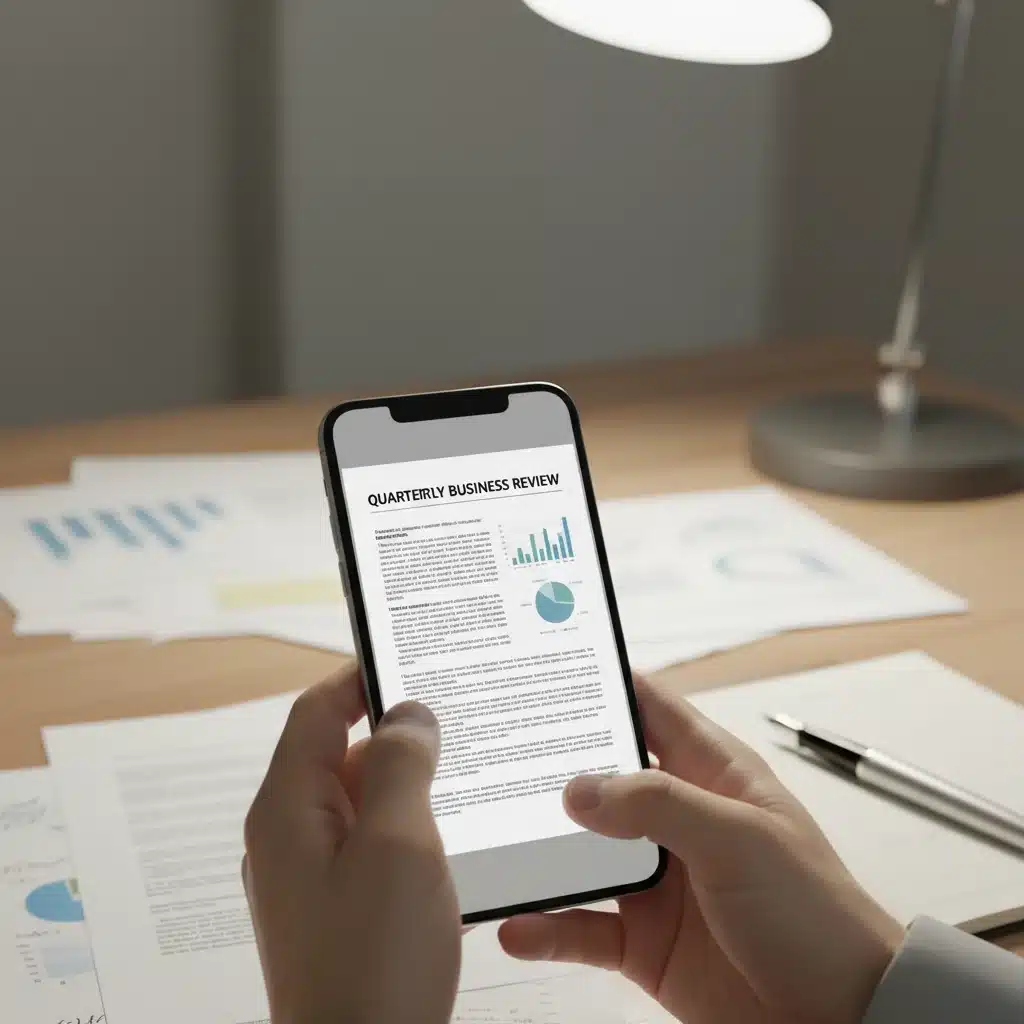
In an increasingly digital world, the need to convert physical documents into accessible, editable, and shareable digital formats has never been more critical. Whether you’re a student managing lecture notes, a professional handling invoices and contracts, or simply someone looking to declutter their home office, document scanning apps have become indispensable tools. These powerful applications, often available right on your smartphone, transform your device into a portable scanner, offering features that go far beyond a simple photograph.
The market for document scanning apps is continuously evolving, with developers pushing the boundaries of optical character recognition (OCR), image processing, and cloud integration. As we look ahead to 2026, the capabilities and user experience of these apps are reaching new heights. This comprehensive guide delves into the top contenders, comparing their accuracy, feature sets, and overall performance to help you make an informed decision. We’ll explore what makes a great scanning app and highlight the strengths and weaknesses of the leading options.
The Evolution of Document Scanning Apps: Beyond Basic Photos
Gone are the days when scanning a document meant firing up a bulky flatbed scanner. Modern document scanning apps leverage advanced computational photography and artificial intelligence to deliver results that often rival dedicated hardware. But what exactly sets them apart from simply snapping a picture with your phone’s camera?
- Automatic Edge Detection and Cropping: High-quality apps automatically identify the document’s boundaries, cropping out irrelevant backgrounds and ensuring a clean, professional scan.
- Perspective Correction: No more skewed images! These apps automatically correct for angles, making sure your scanned document appears as if it was captured perfectly flat.
- Image Enhancement: Features like sharpening text, adjusting contrast, removing shadows, and correcting colors significantly improve readability and visual appeal.
- Optical Character Recognition (OCR): This is perhaps the most transformative feature. OCR allows the app to recognize text within the scanned image, converting it into editable and searchable digital text. This means you can copy, paste, and search for keywords within your scanned documents.
- Multi-page Scanning: Easily combine multiple pages into a single PDF document.
- Cloud Integration: Seamlessly upload your scans to popular cloud storage services like Google Drive, Dropbox, OneDrive, and iCloud.
- Annotation and Signature Capabilities: Many apps allow you to highlight, draw, add notes, and even electronically sign documents directly within the app.
- Security Features: Password protection and encryption for sensitive documents.
Understanding these core functionalities is crucial when evaluating which document scanning apps best suit your needs. The best app for you will depend on your specific usage patterns, whether you prioritize raw scanning accuracy, advanced OCR, robust cloud integration, or a combination of all three.
Key Criteria for Evaluating Document Scanning Apps in 2026
To provide a fair and thorough comparison, we’ve focused on several critical criteria that define the performance and utility of document scanning apps:
1. Scanning Accuracy and Image Quality
The primary function of any scanning app is to produce a high-quality digital replica of a physical document. This involves:
- Clarity and Readability: Is the text crisp and easy to read? Are images well-reproduced?
- Color Reproduction: How accurately does the app capture the original colors of the document?
- Shadow and Glare Removal: Can the app effectively minimize imperfections caused by lighting conditions?
- Edge Detection Precision: How well does it identify and crop the document without cutting off important content?
2. Optical Character Recognition (OCR) Performance
For many users, OCR is a game-changer. Its effectiveness is measured by:
- Accuracy: How few errors does the OCR engine make when converting image text to editable text? This is particularly important for complex layouts, handwritten notes, or documents with unusual fonts.
- Language Support: Does it support multiple languages?
- Speed: How quickly can it process and convert text?
- Layout Preservation: Does it maintain the original formatting (columns, tables, headings) when converting to editable text?
3. Feature Set and Usability
Beyond basic scanning, the breadth and ease of use of additional features are vital:
- User Interface (UI) and Experience (UX): Is the app intuitive and easy to navigate?
- Annotation Tools: Highlighters, pens, text boxes.
- Signature Functionality: E-signatures for documents.
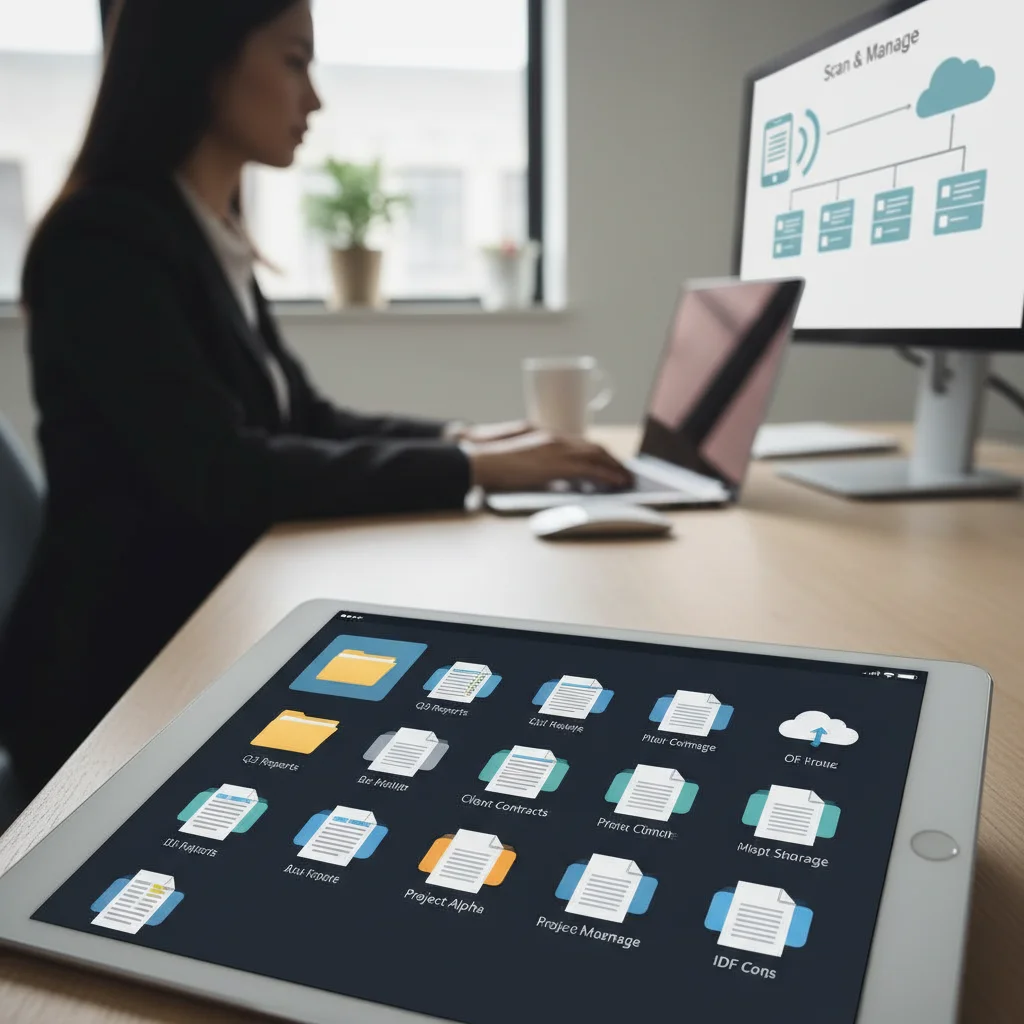
- Document Organization: Folders, tags, search capabilities.
- Export Options: PDF, JPEG, PNG, editable text formats.
- Cloud Integration: Seamless connection to popular cloud storage services.
- Security: Password protection, biometric locks.
4. Pricing Model and Value for Money
Many document scanning apps offer free versions with limited features and premium subscriptions for advanced functionalities. We’ll consider:
- Free Tier Capabilities: What can you accomplish without paying?
- Subscription Costs: Is the premium tier reasonably priced for the features it offers?
- One-time Purchase Options: Are there alternatives to recurring subscriptions?
Top 4 Document Scanning Apps for 2026: A Detailed Comparison
Now, let’s dive into the specifics of the leading document scanning apps that are setting the standard in 2026.
1. Adobe Scan: The Industry Standard for Reliability
Adobe Scan, from the creators of PDF, remains a powerhouse in the world of document scanning apps. Its seamless integration with the Adobe ecosystem makes it a top choice for users already invested in Adobe products.
Accuracy and Image Quality:
Adobe Scan excels in producing high-quality scans. Its automatic edge detection is remarkably precise, and its image enhancement features, including shadow removal and contrast adjustment, are among the best. Scans are consistently clear, sharp, and professional-looking, even in less-than-ideal lighting conditions. It handles various document types, from receipts to multi-page contracts, with consistent fidelity.
OCR Performance:
As expected from Adobe, the OCR capabilities are top-tier. It accurately converts scanned text into searchable and editable PDF files. The text recognition is robust across various fonts and languages, and it generally does an excellent job of preserving the original layout. This makes it incredibly useful for digitizing physical documents for archiving or further editing.
Feature Set and Usability:
- User Interface: Clean, intuitive, and easy to navigate.
- Auto-capture: Automatically takes a picture once the document is detected.
- Document Types: Supports various modes like documents, whiteboards, forms, and business cards.
- Cloud Integration: Deep integration with Adobe Document Cloud, allowing access from other Adobe apps.
- Export Options: Primarily PDF, with options to reorder, rotate, and crop pages.
- Annotation/Signature: Limited in the free version; full features require an Adobe Acrobat subscription.
Pricing Model:
Adobe Scan offers a robust free version that covers most basic scanning needs. For advanced features like combining files, exporting to Word/Excel, and enhanced OCR, it requires an Adobe Acrobat Pro DC subscription, which can be a recurring expense but offers significant value for heavy users of PDF tools.
Verdict: Adobe Scan is ideal for users who need reliable, high-quality scans and robust OCR, especially those already using Adobe products. Its free version is highly capable, making it a strong contender for everyday use.
2. Microsoft Lens: The Productivity Powerhouse
Microsoft Lens (formerly Office Lens) is another strong contender, particularly for users embedded in the Microsoft 365 ecosystem. It’s designed to work seamlessly with Word, Excel, PowerPoint, and OneNote.
Accuracy and Image Quality:
Microsoft Lens delivers excellent scanning quality. Its auto-cropping and enhancement features are highly effective, producing clear and readable scans. It’s particularly adept at handling whiteboards and business cards, with specialized modes that optimize the capture for these scenarios. While its image processing is very good, some users might find Adobe Scan to have a slight edge in raw image fidelity under challenging lighting.
OCR Performance:
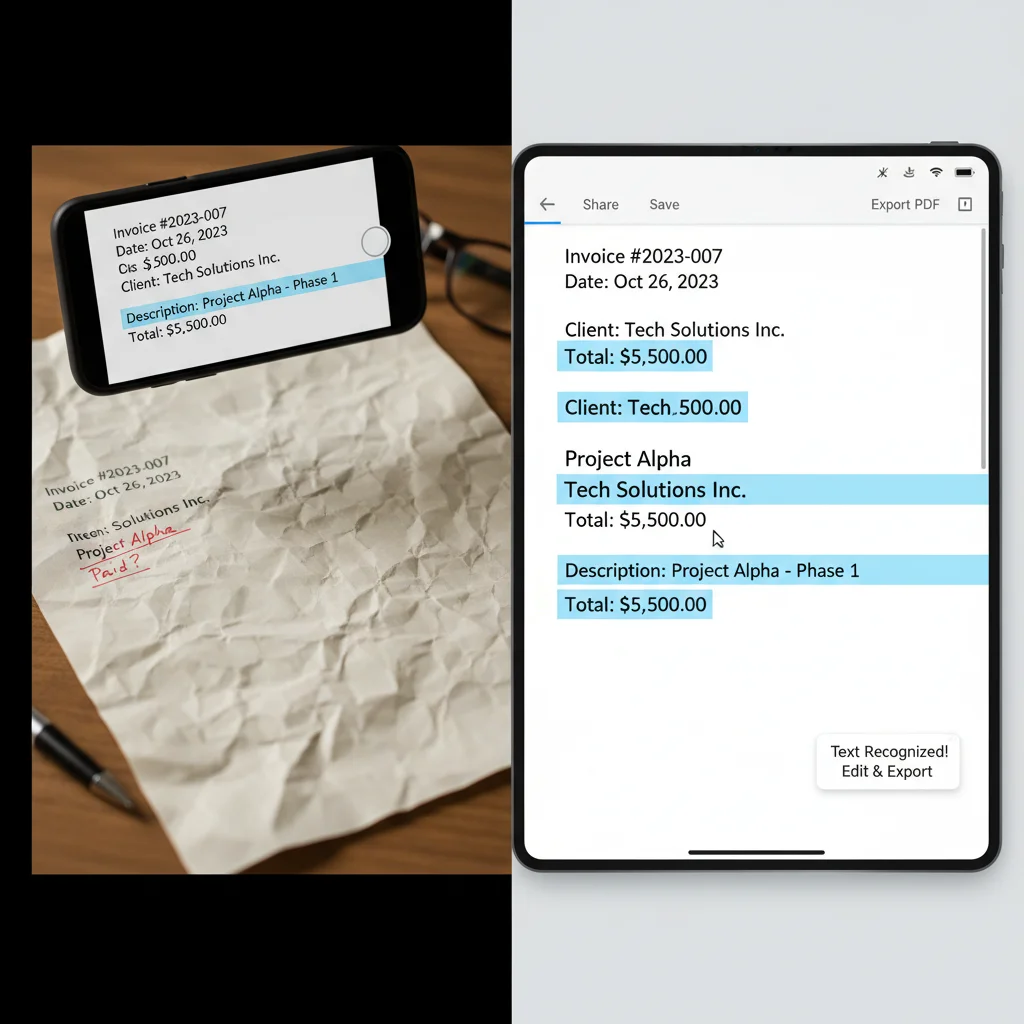
The OCR in Microsoft Lens is highly accurate and efficient, especially when integrated with Microsoft’s suite of applications. It excels at converting text into editable formats for Word, PowerPoint, and OneNote, making it a go-to for students and professionals who need to quickly transfer information from physical documents into their digital workflows. It supports multiple languages and generally preserves basic formatting well.
Feature Set and Usability:
- User Interface: Clean, straightforward, and easy to use, aligning with Microsoft’s design language.
- Integration: Deep integration with Microsoft 365 services (OneNote, OneDrive, Word, PowerPoint, Outlook).
- Specialized Modes: Document, Whiteboard, Business Card, Photo modes.
- Export Options: PDF, Image, Word, PowerPoint, OneNote.
- Annotation: Basic annotation tools available.
Pricing Model:
Microsoft Lens is completely free to use, making it an incredibly attractive option, especially for those who already use Microsoft 365. There are no hidden fees or premium subscriptions required to unlock core features.
Verdict: Microsoft Lens is an outstanding choice for anyone seeking a free, feature-rich scanning app that integrates seamlessly with the Microsoft ecosystem. Its OCR and specialized modes make it highly versatile for both personal and professional use.
3. CamScanner: Feature-Rich but with Concerns
CamScanner has been a popular choice for years due to its extensive feature set and robust capabilities. However, it has also faced scrutiny regarding privacy and security in the past.
Accuracy and Image Quality:
CamScanner offers excellent scanning quality with powerful image enhancement tools. It provides various filters to improve readability, remove shadows, and sharpen text. Its edge detection is generally very good, and it handles multi-page documents efficiently. Scans are consistently clear and professional, with options for grayscale, black and white, and color enhancement.
OCR Performance:
The OCR engine in CamScanner is highly capable, accurately converting scanned text into editable and searchable formats. It supports a wide range of languages and often does a commendable job of maintaining the original document’s layout. For users who frequently need to extract text from images, CamScanner’s OCR is a strong performer.
Feature Set and Usability:
- User Interface: Feature-packed, though can feel a bit cluttered for new users.
- Advanced Editing: Rich annotation tools, watermarks, and security features.
- Cloud Sync: Its own cloud service, plus integration with third-party services.
- Collaboration: Ability to share documents for collaboration.
- Security: Password protection for PDFs.
Pricing Model:
CamScanner offers a free version with ads and some feature limitations (e.g., watermarks, limited cloud storage). A premium subscription unlocks all features, removes ads, and provides more cloud space. The premium cost is competitive, but users should be aware of its history regarding privacy concerns, which have largely been addressed but remain a consideration for some.
Verdict: CamScanner is a feature-rich app with excellent scanning and OCR capabilities. It’s best suited for users who need a comprehensive set of tools for document management and don’t mind a subscription, provided they are comfortable with its past privacy issues which the company states have been resolved.
4. Evernote Scannable: Simplicity Meets Efficiency (iOS Only)
For iOS users, Evernote Scannable offers a streamlined, fast, and incredibly simple scanning experience. While not as feature-rich as some competitors, its focus on efficiency and integration with Evernote is a major draw.
Accuracy and Image Quality:
Scannable lives up to its name by offering incredibly fast and accurate scans. Its auto-detection and capture are almost instantaneous, and the image processing automatically enhances documents, business cards, and receipts to produce clean, readable results. While it lacks extensive manual adjustment options, its automatic enhancements are usually sufficient, yielding high-quality images with minimal effort.
OCR Performance:
Scannable leverages Evernote’s powerful text recognition, making all scanned documents searchable within Evernote. While it doesn’t directly convert to editable text files in the same way as Adobe Scan or Microsoft Lens, the ability to search for any word within your scanned PDFs and images stored in Evernote is incredibly valuable for information retrieval. Full OCR for editable text is typically a feature of premium Evernote subscriptions.
Feature Set and Usability:
- User Interface: Extremely minimalist and intuitive, designed for speed.
- Auto-capture: Blazingly fast automatic capture.
- Integration: Deep integration with Evernote; can also send to other apps.
- Export Options: PDF, Image.
- Business Card Scanning: Excellent recognition for business cards, pulling contact info directly into your phone.
Pricing Model:
Evernote Scannable is free to use. Its core functionality of scanning and saving to Evernote or other destinations is entirely free. However, to unlock advanced features within Evernote itself (like more storage, offline access, and more robust search capabilities), a paid Evernote subscription is required.
Verdict: Evernote Scannable is perfect for iOS users who prioritize speed and simplicity, especially those who are already Evernote users. It’s an excellent tool for quickly digitizing documents and getting them into an organized system without fuss.
Emerging Trends and Future of Document Scanning Apps in 2026
The landscape of document scanning apps is far from static. As technology advances, we can expect several key trends to shape their future:
- Enhanced AI and Machine Learning: Expect even more intelligent auto-correction, better handling of complex documents, and predictive organizational features. AI will play a larger role in categorizing documents and extracting relevant information automatically.
- Improved Handwritten Text Recognition: While current OCR is good for printed text, recognition of diverse handwriting styles is still a challenge. Future apps will likely feature significantly improved HTR (Handwritten Text Recognition) capabilities.
- Augmented Reality (AR) for Scanning: AR could provide real-time feedback on lighting, angle, and document boundaries, guiding users to achieve perfect scans every time.
- Deeper Integration with Enterprise Systems: Seamless connection with CRM, ERP, and project management software will become more common, streamlining business workflows.
- Advanced Security and Compliance: With increasing data privacy regulations, apps will offer more robust encryption, secure sharing options, and compliance features, especially for business users.
- Voice Commands and Accessibility: Integration with voice assistants for hands-free operation and enhanced accessibility features will make these apps more inclusive.
- Edge Computing for Faster Processing: More processing will occur directly on the device, leading to faster OCR and image enhancements without relying heavily on cloud servers.
These developments promise to make document scanning apps even more powerful, intuitive, and integral to our personal and professional lives.
Choosing the Right Document Scanning App for You
With so many excellent document scanning apps available in 2026, selecting the ‘best’ one ultimately comes down to your individual needs and preferences. Consider the following questions:
- What operating system do you use? Some apps are platform-specific (like Scannable for iOS).
- Do you need advanced OCR for editable text, or is searchable PDF enough?
- How often do you scan documents, and what types of documents are they? (e.g., receipts, contracts, whiteboards, business cards)
- What is your budget? Are you looking for a free solution, or are you willing to pay for premium features?
- Which cloud storage services do you already use? Seamless integration can save a lot of time.
- Do you need annotation, e-signature, or collaboration features?
- How important is privacy and security to you?
Recommendations Based on Use Cases:
- For Adobe Ecosystem Users & High-Quality PDFs: Adobe Scan is your best bet for its superior image quality and robust OCR, especially if you already have an Adobe Acrobat subscription.
- For Microsoft 365 Users & Free Functionality: Microsoft Lens offers incredible value, deep integration with Office apps, and excellent OCR, all for free.
- For Feature Enthusiasts & Advanced Management: CamScanner provides a comprehensive suite of tools, though it’s worth considering its premium cost and past privacy concerns.
- For iOS Users Prioritizing Speed & Evernote Integration: Evernote Scannable is unmatched for quick, high-quality scans directly into your Evernote workspace.
- For Occasional Scanners & Simplicity: Even your phone’s native camera app might suffice for very basic scans, but the dedicated apps offer far superior quality and features.
Conclusion: Digitizing Your World with Confidence
The landscape of document scanning apps in 2026 offers a rich array of choices, each with its unique strengths. From the robust accuracy of Adobe Scan to the seamless Microsoft 365 integration of Microsoft Lens, the comprehensive features of CamScanner, and the minimalist efficiency of Evernote Scannable, there’s an app tailored for every need. By carefully considering your priorities – whether it’s scanning accuracy, OCR performance, specific features, or pricing – you can select the perfect tool to transform your physical documents into a well-organized, searchable, and accessible digital archive.
Embrace the power of these advanced mobile applications to streamline your workflow, declutter your space, and ensure that your important information is always at your fingertips. The future of document management is undeniably digital, and with the right document scanning app, you’re well-equipped to navigate it.