Top 5 PDF Editors 2026: Expert Comparative Software Review
Top 5 PDF Editors 2026: An Expert Comparative Review of Leading Software Solutions
In the digital age, Portable Document Format (PDF) files remain the backbone of professional and personal document exchange. From legal contracts and academic papers to invoices and presentations, PDFs offer a universal and secure way to share information. However, merely viewing PDFs is often not enough. The ability to edit, annotate, convert, and secure these documents is paramount for efficiency and productivity. As we step into 2026, the landscape of PDF editing software continues to evolve, bringing more sophisticated features, enhanced AI integration, and improved user experiences.
Choosing the best PDF editors 2026 can be a daunting task, given the multitude of options available. Each software boasts a unique set of functionalities, pricing models, and target audiences. Whether you’re a student needing to annotate research papers, a business professional managing complex contracts, or a creative designer working with graphics-rich documents, selecting the right PDF editor can significantly streamline your workflow.
This comprehensive guide aims to simplify that choice. We’ve meticulously reviewed five of the leading PDF editing software solutions that are expected to dominate the market in 2026. Our analysis delves deep into their core features, performance, user interface, security capabilities, integration options, and, crucially, their value for money. By the end of this review, you’ll have a clear understanding of which PDF editor aligns perfectly with your specific needs and budget.
The Evolving Landscape of PDF Editing in 2026
Before diving into individual reviews of the best PDF editors 2026, it’s essential to understand the current trends shaping the PDF software industry. Artificial intelligence (AI) and machine learning (ML) are no longer futuristic concepts but integral components, enhancing features like optical character recognition (OCR), document summarization, and intelligent form filling. Cloud integration has become standard, allowing for seamless collaboration and access across devices. Security features are more robust than ever, with advanced encryption, redaction tools, and digital signatures becoming commonplace. Furthermore, user experience (UX) design is a key differentiator, with developers focusing on intuitive interfaces and streamlined workflows to reduce the learning curve.
The demand for cross-platform compatibility is also at an all-time high. Users expect their PDF editor to function flawlessly whether they are on Windows, macOS, Linux, or mobile operating systems. Subscription models are increasingly prevalent, offering continuous updates and cloud services, though perpetual licenses still hold appeal for some users. Our selection of the best PDF editors 2026 reflects these trends, showcasing tools that are not only powerful but also forward-thinking in their approach to document management.
Criteria for Evaluating the Best PDF Editors 2026
To provide a fair and thorough comparison, we established several key criteria for evaluating each PDF editor. These criteria are designed to cover all aspects of a user’s potential interaction with the software, ensuring a holistic review. When considering the best PDF editors 2026, we focused on:
- Core Editing Capabilities: The ability to modify text, images, and pages within a PDF. This includes adding, deleting, reordering, and rotating pages, as well as editing text directly and manipulating graphics.
- Annotation and Markup Tools: Features like highlighting, underlining, strikethrough, sticky notes, drawing tools, and stamps, crucial for reviewing and collaborating on documents.
- Conversion Options: The software’s ability to convert PDFs to and from other popular formats such as Word, Excel, PowerPoint, images, and HTML, while maintaining formatting integrity.
- OCR (Optical Character Recognition): The accuracy and speed of converting scanned documents or image-based PDFs into editable and searchable text.
- Form Creation and Filling: Tools for creating interactive PDF forms, adding fillable fields, and easily filling out existing forms.
- Security Features: Encryption, password protection, redaction tools, and digital signature support to secure sensitive information and authenticate documents.
- Collaboration Tools: Features that facilitate teamwork, such as shared reviews, commenting, and cloud integration.
- User Interface and Experience: The intuitiveness, ease of use, and overall design of the software. A clean and logical layout can significantly enhance productivity.
- Performance and Stability: How quickly the software loads, processes large files, and its overall reliability without crashes or bugs.
- Pricing and Value: An assessment of the cost of the software (one-time purchase vs. subscription) relative to the features offered and its overall benefit to the user.
- Platform Compatibility: Availability across different operating systems (Windows, macOS, mobile) and web-based options.
Reviewing the Top 5 Best PDF Editors 2026
1. Adobe Acrobat Pro DC: The Industry Standard Redefined
Overview: Adobe Acrobat Pro DC continues to set the benchmark for PDF editing software. With decades of development, Adobe offers the most comprehensive and robust set of tools for virtually any PDF-related task. In 2026, it maintains its position as a powerhouse, integrating more deeply with Adobe Creative Cloud and offering enhanced AI-driven features.
Key Features:
- Unparalleled Editing: Edit text and images directly within PDFs with exceptional precision. Advanced text reflow and font matching ensure a professional look.
- Advanced OCR: Industry-leading OCR technology for converting scanned documents into fully editable and searchable PDFs.
- Robust Security: Comprehensive encryption, password protection, redaction, and digital signature capabilities.
- Form Creation & Management: Create fillable forms from scratch or convert existing documents into interactive forms with advanced field recognition.
- Cloud & Collaboration: Seamless integration with Adobe Document Cloud for cloud storage, sharing, and real-time collaboration.
- Rich Media Support: Embed audio, video, and interactive objects within PDFs.
- Accessibility Tools: Features to make PDFs accessible to users with disabilities, adhering to compliance standards.
Pros: Most comprehensive feature set, excellent OCR, robust security, deep cloud integration, industry-standard compatibility, and continuous updates with new features.
Cons: Highest price point (subscription-based), can be resource-intensive, and its vast array of features might overwhelm new users.
Best For: Professionals, enterprises, and users who require the most extensive set of PDF tools, deep integration with other Adobe products, and are willing to invest in a premium solution. It is consistently ranked among the best PDF editors 2026 for its sheer capability.
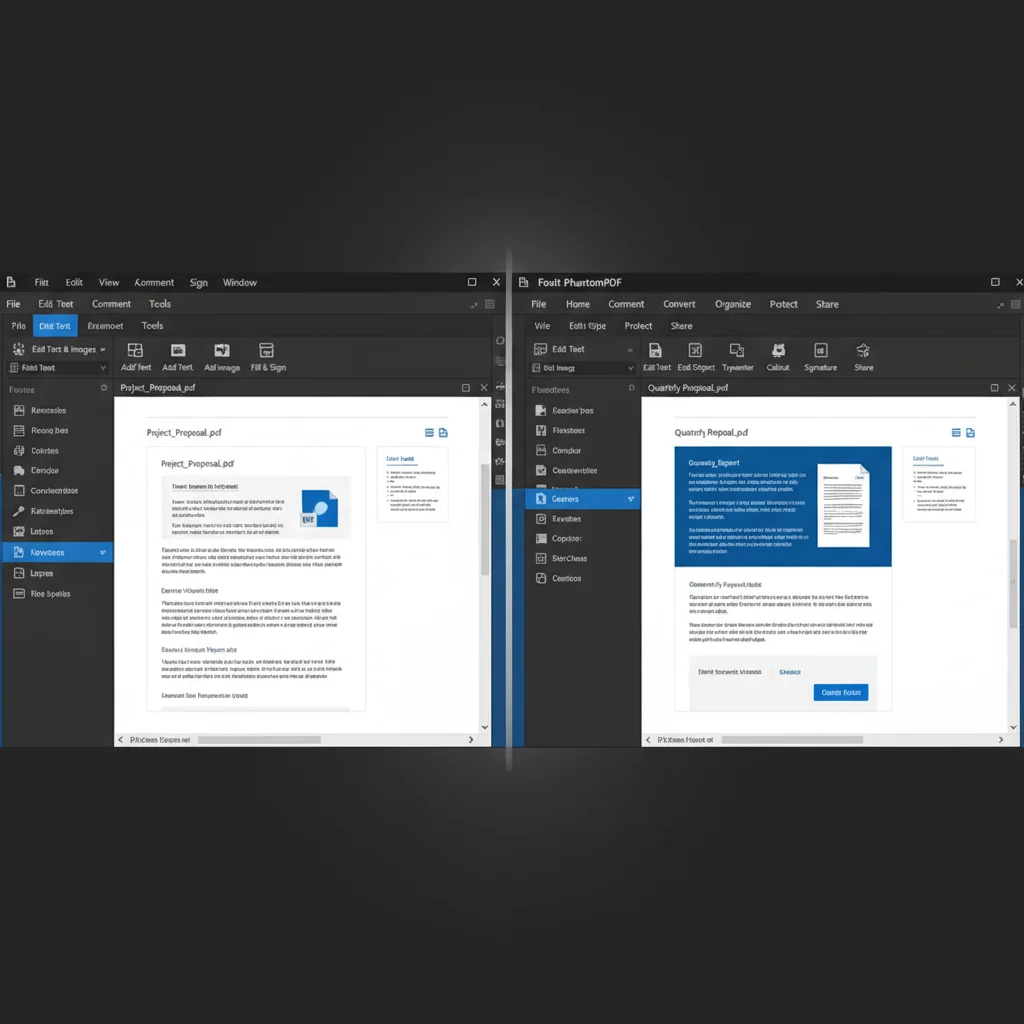
2. Foxit PhantomPDF (Now Foxit PDF Editor): A Strong Contender for Business
Overview: Foxit PDF Editor (formerly PhantomPDF) has carved out a significant niche by offering a feature-rich, high-performance alternative to Adobe Acrobat Pro. It’s known for its fast processing speeds, user-friendly interface reminiscent of Microsoft Office, and strong security features. For 2026, Foxit continues to enhance its cloud capabilities and collaborative tools, making it a strong choice for business environments.
Key Features:
- Intuitive Interface: Ribbon-style interface familiar to Microsoft Office users, making it easy to navigate.
- Fast Performance: Known for its quick launch times and efficient processing of large documents.
- Comprehensive Editing: Full text and image editing, page management, and object manipulation.
- Advanced Security: Strong encryption, redaction, and digital signature support, including integration with leading e-signature services.
- Powerful OCR: Accurate OCR for scanned documents with multilingual support.
- ConnectedPDF: Foxit’s proprietary technology for document protection, usage tracking, and collaborative reviews.
- Extensive Conversion: Convert PDFs to and from a wide range of formats with high fidelity.
Pros: Faster performance than many competitors, familiar user interface, strong security and ConnectedPDF features, competitive pricing (both perpetual and subscription options), and excellent for team collaboration.
Cons: Some advanced features might require a short learning curve, and its mobile app ecosystem isn’t as robust as Adobe’s.
Best For: Business users, small to medium-sized enterprises (SMBs), and individuals seeking a powerful, fast, and secure PDF editor with a familiar interface and strong collaborative features. It’s often cited as one of the best PDF editors 2026 for productivity.
3. Nitro Pro: Streamlined Productivity for Windows Users
Overview: Nitro Pro is a strong contender, particularly for Windows users, offering a powerful and intuitive PDF editing experience with a focus on productivity. It aims to provide an Adobe-like feature set at a more accessible price point, often with a perpetual license option. In 2026, Nitro Pro continues to refine its user experience and cloud services, making document workflows even smoother.
Key Features:
- Microsoft Office Integration: Deep integration with MS Office applications, allowing for seamless creation and conversion of PDFs.
- Intuitive Interface: A clean, Office-style ribbon interface that makes it easy for users to find and utilize tools.
- Comprehensive Editing: Edit text, images, and pages with ease. Add, delete, and rearrange pages efficiently.
- High-Quality Conversion: Excellent conversion to and from Word, Excel, PowerPoint, and other formats, preserving layout and formatting.
- Cloud Services (Nitro Sign): Integrated e-signature functionality and cloud storage for streamlined document workflows and collaboration.
- Form Creation & Filling: Tools to create, fill, and sign PDF forms.
- OCR Technology: Reliable OCR for making scanned documents editable and searchable.
Pros: Excellent Office integration, user-friendly interface, strong conversion capabilities, competitive pricing (often with perpetual license), and integrated e-signing. It’s a highly regarded option among the best PDF editors 2026.
Cons: Primarily Windows-focused (though a cloud version exists), some advanced features might not be as granular as Adobe’s, and Mac support is less developed.
Best For: Windows users, businesses heavily reliant on Microsoft Office, and individuals looking for a powerful, user-friendly PDF editor with robust conversion and e-signature capabilities at a competitive price.
4. Wondershare PDFelement: Feature-Rich and User-Friendly
Overview: Wondershare PDFelement has rapidly gained popularity due to its balance of powerful features, intuitive design, and cross-platform compatibility. It offers a comprehensive suite of tools that cater to both individual users and small businesses, often at a more affordable price point than its enterprise-grade competitors. For 2026, PDFelement continues to innovate with AI-powered features and enhanced cloud services.
Key Features:
- Modern & Intuitive UI: A clean, minimalist interface that is easy to navigate for users of all skill levels.
- Comprehensive Editing: Edit text, images, and links within PDFs as easily as in a word processor.
- Batch Processing: Efficiently convert, watermark, encrypt, and OCR multiple PDFs simultaneously.
- Smart Form Automation: Advanced form creation, data extraction, and automatic form recognition.
- Cloud Integration: Sync documents across devices and integrate with popular cloud storage services like Dropbox and Google Drive.
- Robust OCR: Accurate OCR in multiple languages, making scanned documents fully editable.
- Cross-Platform: Available on Windows, macOS, iOS, and Android, ensuring consistent workflow across devices.
Pros: Excellent value for money, user-friendly interface, strong OCR and form capabilities, good batch processing, and extensive cross-platform support. It’s a rising star among the best PDF editors 2026.
Cons: Some advanced features might not be as polished as Adobe’s, and its cloud services are still maturing compared to more established players.
Best For: Students, educators, small businesses, and individuals who need a powerful, affordable, and easy-to-use PDF editor with good cross-platform support.
5. Sejda PDF Desktop: Simplicity and Efficiency
Overview: Sejda PDF Desktop stands out for its straightforward approach to PDF editing, offering a refreshing alternative for users who don’t need the overwhelming complexity of enterprise-level software. While it also offers an online version, the desktop application provides a robust set of tools for offline work. In 2026, Sejda continues to focus on providing essential PDF functionalities in a clean, efficient package.
Key Features:
- Simple & Clean Interface: Extremely easy to navigate, with a focus on core functionalities.
- Essential Editing: Edit text, add images, and create shapes. More basic than other contenders but effective for common tasks.
- Merge & Split: Easily combine multiple PDFs or split large documents into smaller ones.
- Compress PDF: Efficiently reduce PDF file sizes without significant loss of quality.
- PDF to Office Conversion: Convert PDFs to Word, Excel, and PowerPoint, and vice versa.
- OCR Functionality: Basic but effective OCR for converting scanned documents into searchable text.
- Lightweight: Less resource-intensive, making it suitable for older machines or users who prioritize speed.
Pros: Very easy to use, lightweight and fast, affordable pricing (with a free daily usage limit for its online tools), excellent for common PDF tasks, and good for basic editing. Often considered one of the best PDF editors 2026 for quick tasks.
Cons: Lacks advanced features like robust form creation, extensive security options, and deep collaboration tools found in premium software. Not suitable for heavy, complex PDF workflows.
Best For: Users who need a simple, fast, and efficient tool for everyday PDF tasks, basic editing, merging, splitting, and compression without the need for advanced features or enterprise-grade functionalities. Its online version is also highly useful for occasional users.
Key Considerations When Choosing Your PDF Editor in 2026
Beyond the features, several other factors should influence your decision when selecting from the best PDF editors 2026:
- Your Specific Needs: Are you primarily annotating, editing, converting, or securing documents? Your primary use case will dictate the necessary feature set.
- Budget: PDF editors range from free online tools with basic functions to premium subscription-based software. Determine how much you’re willing to spend.
- Operating System: Ensure the software is compatible with your primary operating system(s) – Windows, macOS, Linux, iOS, or Android.
- Learning Curve: Some software is more intuitive than others. Consider how much time you’re willing to invest in learning a new tool.
- Security Requirements: If you handle sensitive information, prioritize editors with strong encryption, redaction, and digital signature capabilities.
- Collaboration: For team environments, look for robust collaboration features, cloud integration, and commenting tools.
- Customer Support: Check the availability and quality of customer support, especially for business-critical applications.
The Future of PDF Editing: What to Expect Beyond 2026
The evolution of PDF editing won’t stop in 2026. We can anticipate even greater integration of AI for smarter document analysis, automated workflows, and predictive text editing. Enhanced augmented reality (AR) features might allow for interactive 3D models within PDFs, revolutionizing technical documentation and educational materials. The focus on sustainability will likely lead to more energy-efficient software and cloud solutions. Furthermore, as quantum computing advances, we might see new paradigms in PDF security and encryption. The best PDF editors 2026 are already laying the groundwork for these future innovations.
Conclusion: Finding Your Ideal PDF Companion in 2026
Choosing the best PDF editors 2026 ultimately comes down to a careful assessment of your individual or organizational needs, balanced against the features, performance, and cost of the available solutions. While Adobe Acrobat Pro DC remains the undisputed king for its comprehensive capabilities, alternatives like Foxit PDF Editor and Nitro Pro offer compelling, cost-effective, and highly efficient options for businesses. Wondershare PDFelement provides an excellent balance of features and affordability across multiple platforms, and Sejda PDF Desktop shines for its simplicity and efficiency in handling common tasks.
Before making a final decision, we recommend taking advantage of free trials offered by many of these providers. This hands-on experience will allow you to test the user interface, specific features you need, and overall performance with your own documents. By carefully evaluating your requirements and exploring the options detailed in this review, you can confidently select a PDF editor that will enhance your productivity and streamline your document management workflows well into 2026 and beyond.