LastPass vs. 1Password 2026: Ultimate Password Manager Comparison
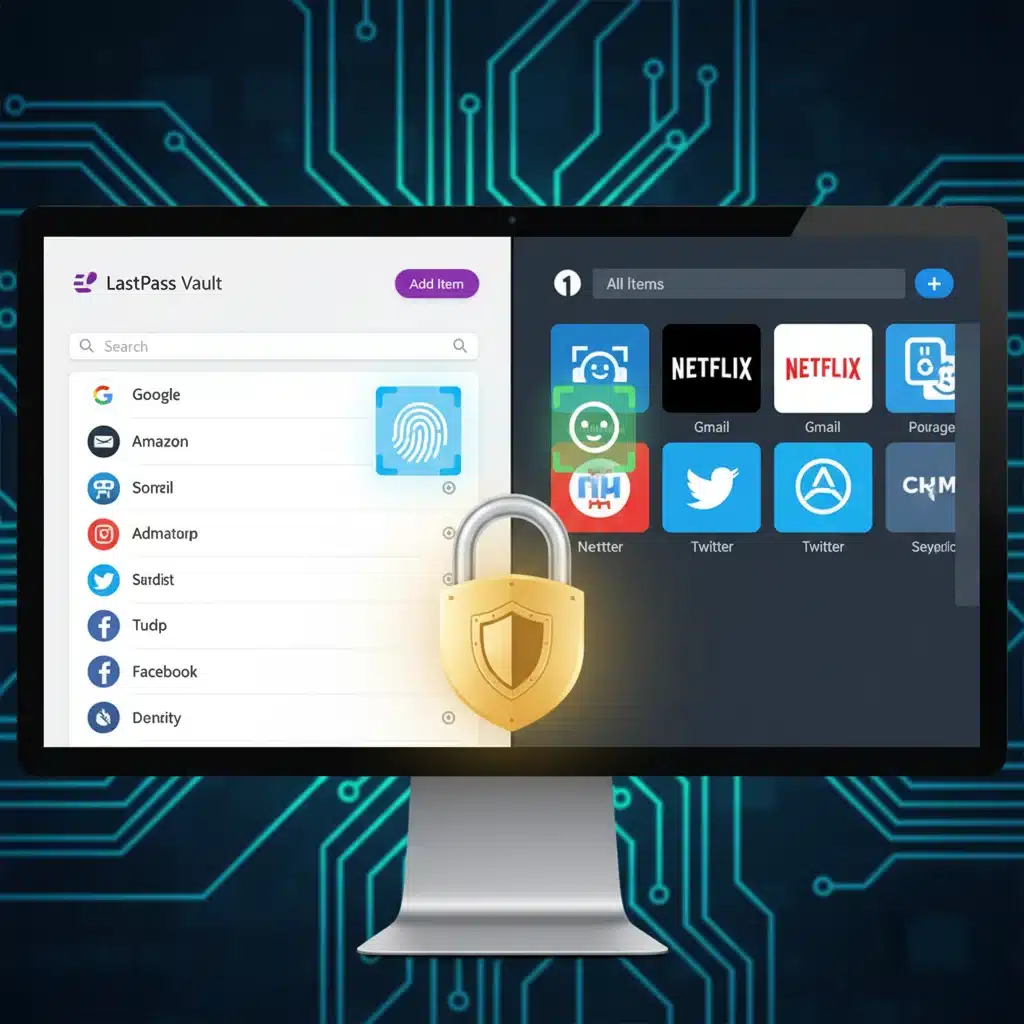
LastPass vs. 1Password 2026: The Ultimate Password Manager Comparison
In an increasingly digital world, the security of our online identities has never been more critical. Every day, we interact with dozens of online services, each demanding a unique and strong password. Remembering them all is an impossible task, and reusing passwords is an open invitation for cybercriminals. This is where a reliable password manager comparison becomes indispensable. For years, LastPass and 1Password have stood out as two of the leading contenders in the password management arena. As we step into 2026, both platforms have evolved, introducing new features, enhancing security protocols, and refining user experiences. But which one truly offers the best balance of security, functionality, and value for you and your family?
This comprehensive review will delve deep into LastPass and 1Password, dissecting their core features, security architectures, pricing models, and specific offerings like family plans. Our goal is to provide you with a clear, unbiased password manager comparison to help you make an informed decision, ensuring your digital life remains secure and streamlined.
The Crucial Role of a Password Manager in 2026
Before we dive into the specifics of LastPass and 1Password, it’s vital to understand why a robust password manager is no longer a luxury but a necessity. The threat landscape is constantly evolving, with sophisticated phishing attacks, ransomware, and data breaches becoming commonplace. A single compromised password can lead to a domino effect, granting attackers access to multiple accounts, financial information, and personal data.
A good password manager does more than just store your passwords; it generates strong, unique passwords for every account, encrypts them securely, and automatically fills them in when you need them. This not only enhances your security but also significantly improves your online convenience. For individuals, it means less time spent resetting forgotten passwords and more time focusing on what matters. For families, it provides a centralized, secure way to manage shared accounts and ensures everyone practices good digital hygiene. This password manager comparison will highlight how each service addresses these modern demands.
LastPass: A Deep Dive into Its Features and Security
Overview of LastPass
LastPass has long been a household name in password management, known for its user-friendly interface and robust feature set. It offers a comprehensive solution for individuals and businesses to manage their digital credentials securely. In 2026, LastPass continues to refine its offerings, focusing on accessibility and integration across various devices and platforms. Its core strength lies in its simplicity and widespread browser extension support, making it easy for new users to adopt.
Security Architecture and Breach Protection
Security is paramount for any password manager, and LastPass employs a zero-knowledge architecture. This means that your master password, which encrypts and decrypts your vault, is never known to LastPass. All encryption and decryption happen locally on your device, ensuring that even if LastPass’s servers were breached, your encrypted vault data would remain unreadable to attackers without your master password. LastPass utilizes AES-256 bit encryption, the industry standard, for securing your data.
However, LastPass has faced security incidents in the past, which have led to heightened scrutiny regarding its breach protection strategies. While the company has taken significant steps to enhance its security posture and transparency following these events, potential users often weigh these past incidents when making their decision. For 2026, LastPass has invested heavily in advanced threat detection systems, multi-factor authentication (MFA) enhancements, and continuous security audits to rebuild trust and fortify its defenses against future threats. This makes a careful password manager comparison even more critical.
Key Features of LastPass
- Password Generator: Creates strong, unique, and complex passwords with customizable parameters.
- Secure Notes: Encrypted storage for sensitive text-based information like Wi-Fi passwords, software licenses, or personal notes.
- Form Filler: Automatically fills in web forms with personal information, saving time and reducing typing errors.
- Digital Wallet: Securely stores credit card details and other payment information for quick online checkouts.
- Multi-Factor Authentication (MFA): Supports various MFA options, including authenticator apps, YubiKey, and fingerprint biometrics, adding an extra layer of security.
- Emergency Access: Allows trusted contacts to access your vault in case of an emergency.
- Dark Web Monitoring: Alerts you if your stored credentials are found in known data breaches.
- Password Sharing: Securely share passwords with other LastPass users, with granular control over permissions.
LastPass Family Plans
LastPass Families is designed for up to six users, providing each member with their own private vault. It also includes a shared folder feature, allowing families to securely share access to common accounts like streaming services, utility bills, or online shopping logins. The family manager has administrative control, simplifying user management and ensuring everyone in the household benefits from robust password protection. This aspect is crucial for a thorough password manager comparison for families.
Pricing and Value Proposition
LastPass offers various plans, including a free tier with basic functionalities, though its features have been more restricted over time. Premium and Family plans unlock the full suite of features, including unlimited device access, advanced MFA, and dedicated customer support. Its pricing is generally competitive, making it an attractive option for users seeking a feature-rich solution without breaking the bank.
1Password: A Deep Dive into Its Features and Security
Overview of 1Password
1Password has built a reputation for its strong security focus, intuitive design, and comprehensive features, often appealing to users who prioritize robust protection and a polished user experience. Developed by AgileBits, 1Password has consistently introduced innovative security features and maintains a strong commitment to privacy. It’s particularly favored by users within the Apple ecosystem, though its cross-platform support is excellent.
Security Architecture and Breach Protection
1Password’s security model is built on a strong foundation of end-to-end encryption and a zero-knowledge policy. Similar to LastPass, all encryption and decryption occur locally on your devices. A unique aspect of 1Password’s security is its Secret Key, a 34-character string generated during account creation. This Secret Key, combined with your master password, forms the key to decrypt your vault. Without both, your data remains inaccessible, even to 1Password employees. This dual-key approach significantly enhances security, making brute-force attacks exponentially harder.
1Password has a strong track record of transparency and proactive security measures. They regularly engage independent security audits and publish their findings. Their commitment to privacy is also evident in their clear policies and their absence of past major breaches, which instills a high level of confidence in their users. This robust security stance is a major point in any password manager comparison.
Key Features of 1Password
- Watchtower: A powerful security tool that monitors your saved passwords for weaknesses, reuses, and compromises in data breaches. It also alerts you to websites that support MFA but don’t have it enabled for your account.
- Travel Mode: A unique feature that allows you to mark certain vaults as ‘safe for travel’. When crossing borders, you can activate Travel Mode, which removes all vaults not marked ‘safe’ from your devices, making them inaccessible to inspection. Once you’re safe, you can deactivate it to restore access.
- Secure Document Storage: Beyond passwords, 1Password allows you to securely store files, documents, and images within your encrypted vaults.
- Identity Items: Comprehensive templates for storing various personal details, including passports, driver’s licenses, social security numbers, and more.
- SSH Key Management: A valuable feature for developers and IT professionals to securely manage SSH keys.
- Login Autofill: Seamlessly fills usernames and passwords across websites and apps.
- Multi-Factor Authentication (MFA): Supports various MFA methods, including authenticator apps, biometrics, and hardware keys.
- Password Sharing: Securely share items with individuals or groups, with robust permissions control.
1Password Family Plans
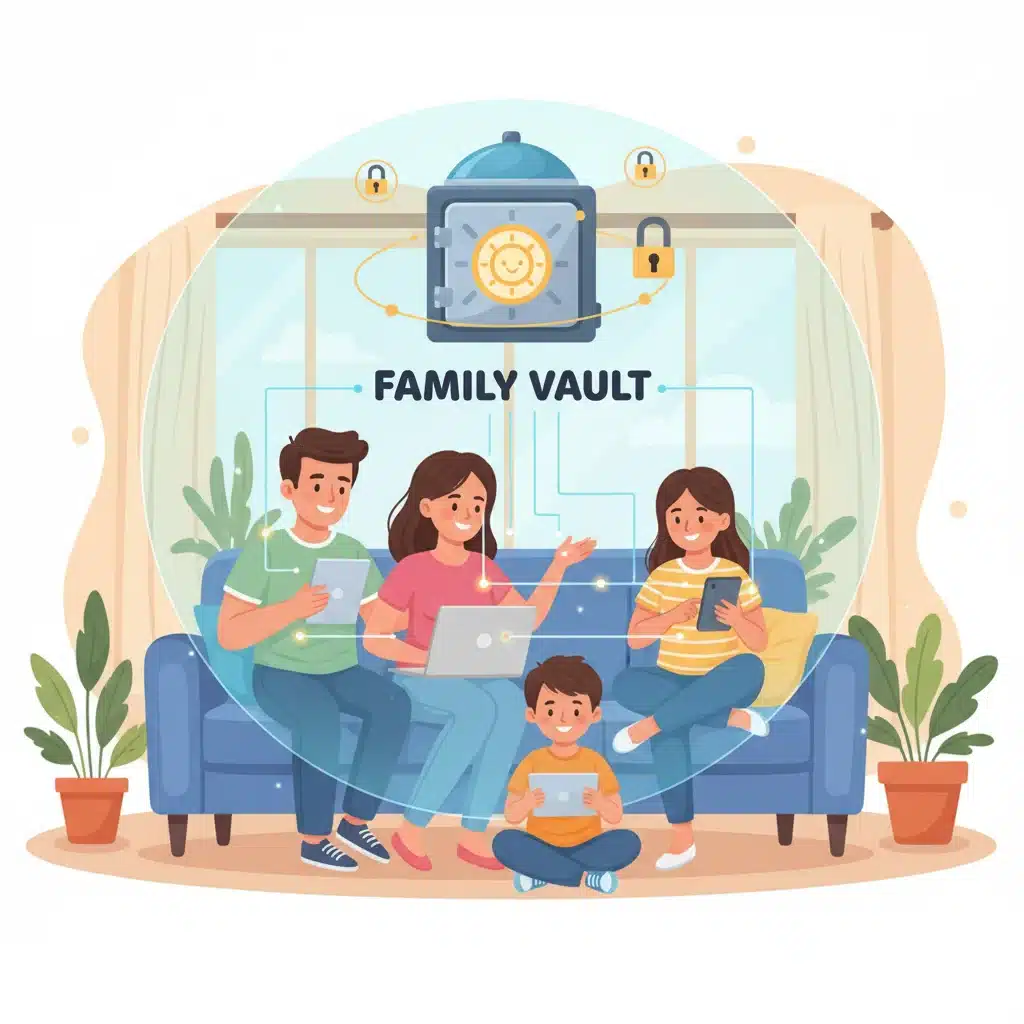
1Password Families supports up to five family members (with the option to add more for a small fee), each receiving their own private vault. It excels in its shared vault functionality, allowing for easy and secure sharing of items between family members. The family organizer has administrative capabilities to manage members and shared vaults. 1Password’s family plan is often praised for its intuitive management and comprehensive features, making it a strong contender in a password manager comparison for households.
Pricing and Value Proposition
1Password does not offer a free tier, but it provides a 14-day free trial for all its plans. Its pricing is generally slightly higher than LastPass, but many users find the added security features, polished interface, and robust functionality justify the cost. 1Password is often seen as a premium solution for those who prioritize top-tier security and a comprehensive feature set.
Head-to-Head: LastPass vs. 1Password in 2026
Now that we’ve explored each service individually, let’s put them side-by-side in a direct password manager comparison across key categories.
Security and Breach Protection
- LastPass: Employs AES-256 encryption and zero-knowledge architecture. Has faced past security incidents, but has significantly invested in bolstering defenses and transparency. Its security relies heavily on the strength of the master password.
- 1Password: Also uses AES-256 encryption and zero-knowledge architecture, but adds an extra layer of security with its Secret Key. Has a pristine security record and is highly regarded for its proactive security measures and transparency.
- Verdict: 1Password generally has an edge in security perception due to its Secret Key implementation and unblemished security record.
User Interface and Ease of Use
- LastPass: Known for its straightforward interface and easy integration with browser extensions. It’s very accessible for beginners.
- 1Password: Offers a more polished and modern interface, particularly on desktop and mobile apps. Its design is intuitive, but some advanced features might have a slight learning curve for absolute beginners.
- Verdict: Both are user-friendly, but 1Password often wins for its superior design aesthetics and native app experience, while LastPass is slightly simpler for quick browser-based interactions.
Features Set
- LastPass: Offers essential features like password generation, secure notes, form filling, MFA, and dark web monitoring.
- 1Password: Provides a more extensive suite of features, including Watchtower, Travel Mode, secure document storage, SSH key management, and more detailed item categorization.
- Verdict: 1Password generally offers a richer and more specialized feature set, particularly with Watchtower and Travel Mode standing out.
Family Plans and Sharing
- LastPass Families: Supports up to six users with private vaults and shared folders. Good for basic family sharing.
- 1Password Families: Supports up to five users (expandable) with private vaults and robust shared vault management. Often praised for its ease of use in managing family accounts.
- Verdict: Both offer excellent family plans. 1Password’s family management and shared vault features feel slightly more refined and flexible for complex family needs.
Pricing and Value
- LastPass: Offers a free tier (with limitations) and competitively priced premium and family plans. Good value for basic to advanced users.
- 1Password: No free tier, but a generous free trial. Slightly higher price point, reflecting its premium feature set and security reputation.
- Verdict: LastPass generally offers better value for budget-conscious users or those who might benefit from a free tier. 1Password provides premium value for its advanced features and security.
Platform Compatibility
Both LastPass and 1Password offer excellent cross-platform compatibility, supporting all major operating systems (Windows, macOS, Linux), web browsers (Chrome, Firefox, Edge, Safari, Brave), and mobile platforms (iOS, Android). Both provide dedicated desktop applications and robust browser extensions, ensuring a seamless experience across all your devices. This parity makes platform compatibility less of a deciding factor in a password manager comparison.
Who Should Choose LastPass?
- Budget-conscious users: If you’re looking for a free tier or a more affordable premium option with solid functionality.
- Users prioritizing simplicity: If you want a straightforward password manager that’s easy to set up and use, especially through browser extensions.
- Those needing basic features: If your primary need is secure password storage, generation, and autofill, LastPass covers these well.
- Users who value widespread accessibility: LastPass is ubiquitous and integrates well across many platforms.
Who Should Choose 1Password?
- Security-first users: If you prioritize the absolute strongest security architecture (Secret Key) and a pristine security record.
- Users seeking advanced features: If features like Watchtower, Travel Mode, secure document storage, and SSH key management are appealing.
- Apple ecosystem users: While cross-platform, 1Password often feels particularly at home on Apple devices with its native app experience.
- Families needing robust management: If you need a highly organized and flexible solution for managing multiple family members and shared accounts.
- Users willing to pay a premium: If you see the value in a slightly higher price for a more polished product with advanced security and features.

The Future of Password Management in 2026 and Beyond
As we look beyond 2026, the landscape of digital security continues to evolve. Passkeys, a new standard for passwordless authentication, are gaining traction. Both LastPass and 1Password are actively integrating and supporting passkey management, ensuring they remain at the forefront of authentication technology. This means that while traditional password management remains crucial, these services are also preparing for a future where passwords might become less prevalent. Your chosen password manager will likely evolve into a comprehensive digital identity manager, handling not just passwords but also passkeys, digital IDs, and other secure credentials.
Conclusion: Making Your Choice in This Password Manager Comparison
Ultimately, the choice between LastPass and 1Password in 2026 comes down to your personal priorities and specific needs. Both are exceptionally capable password managers that will significantly enhance your online security and convenience. There’s no single ‘best’ option, but rather the best fit for you.
- If your primary concerns are affordability, ease of use, and solid core features, LastPass remains an excellent choice, especially if you’re comfortable with its post-incident security enhancements.
- If you prioritize the absolute highest level of security, a rich set of advanced features, and a polished user experience, and you’re willing to pay a slight premium, then 1Password is likely the superior option.
Regardless of your choice, adopting a reputable password manager like LastPass or 1Password is one of the most impactful steps you can take to protect your digital life in 2026 and beyond. Take advantage of free trials, explore their features, and choose the one that gives you the most peace of mind and seamless security experience.