Master Your Inbox: 5 Essential Rules for Email Productivity in 2026
In the relentless march of technological advancement, email remains an indispensable, yet often overwhelming, tool for communication. As we hurtle towards 2026, the sheer volume and complexity of our digital correspondence continue to escalate. What was once a simple messaging system has evolved into a central hub for work, personal life, and everything in between. Without a strategic approach, your inbox can quickly transform from a productivity enhancer into a significant source of stress and distraction. This is why mastering Email Productivity 2026 is not just a suggestion, but a necessity for anyone looking to thrive in the modern digital landscape.
The digital world of 2026 demands more than just basic email management. It requires a proactive, disciplined, and technologically savvy approach to ensure your inbox serves you, rather than the other way around. This comprehensive guide will unveil five crucial rules designed to revolutionize your email habits, streamline your workflow, and ultimately boost your overall productivity. By integrating these strategies, you’ll not only achieve a cleaner inbox but also gain valuable time and mental clarity, allowing you to focus on high-impact tasks and personal well-being.
Forget the old ways of simply ‘checking’ emails. We’re talking about a paradigm shift in how you interact with this powerful communication medium. From leveraging AI-driven tools to establishing firm personal boundaries, these rules are crafted to address the unique challenges and opportunities presented by the digital environment of 2026. Let’s dive deep into transforming your email experience and achieving unparalleled Email Productivity 2026.
Rule 1: Implement the ‘Two-Minute Rule’ with AI Augmentation
The ‘Two-Minute Rule,’ popularized by productivity guru David Allen, suggests that if a task takes less than two minutes to complete, you should do it immediately. In the context of Email Productivity 2026, this rule is more vital than ever, but with a crucial enhancement: AI augmentation. The sheer volume of emails today makes manual application of this rule challenging. This is where artificial intelligence steps in to supercharge your efficiency.
What is the Augmented Two-Minute Rule?
In 2026, AI-powered email clients and plugins are no longer novelties; they are sophisticated tools capable of pre-processing your inbox. The augmented two-minute rule means that for emails that can be addressed quickly, your AI assistant should be able to either suggest a quick response, draft a reply, or even execute a task on your behalf. For example, if an email is a simple request for information readily available in your calendar or contacts, your AI could draft a response with the details and present it for your quick approval and send.
How to Implement It:
- Leverage Smart Categorization: Ensure your email client’s AI is effectively categorizing incoming mail. Urgent, informational, promotional, and personal emails should be automatically sorted. This allows you to quickly identify emails that fall under the two-minute rule.
- Utilize AI-Powered Quick Replies: Many modern email platforms offer AI-generated quick reply suggestions. Train your AI by consistently choosing or refining these suggestions. Over time, it will learn your communication style and common responses, making these quick replies even more accurate and useful.
- Automate Simple Tasks: For recurring, simple requests (e.g., meeting confirmations, document access requests), configure your AI to automatically draft and even send responses, or to perform the requested action (e.g., adding an event to your calendar) with minimal human oversight. Always review automated actions to ensure accuracy.
- Batch Similar Quick Tasks: Even with AI, some two-minute tasks might require a human touch. Dedicate specific, short blocks of time (e.g., 10-15 minutes) to tackle these quick tasks. This prevents context switching and maintains focus.
By effectively combining the timeless wisdom of the two-minute rule with the cutting-edge capabilities of AI, you can significantly reduce the time spent on trivial emails, freeing up your attention for more complex and strategic tasks. This approach is fundamental to achieving superior Email Productivity 2026.
Rule 2: Establish Clear Communication Boundaries and Expectations
One of the biggest drains on Email Productivity 2026 is the constant expectation of immediate replies. In an always-on world, people often assume that if they send an email, a response should be instantaneous. This creates a cycle of reactive behavior that prevents deep work and sustained focus. To combat this, you must proactively establish clear communication boundaries and manage expectations, both for yourself and for those you interact with.
Defining Your Boundaries:
- Set Specific Email Hours: Decide when you will check and respond to emails. This might be two or three dedicated blocks throughout the day (e.g., 9:00-9:30 AM, 1:00-1:30 PM, 4:30-5:00 PM). During other times, close your email client or turn off notifications.
- Communicate Your Availability: Use out-of-office replies (even when you’re not out of the office) to inform senders of your response times. A simple message like, “Thank you for your email. I check and respond to messages during [Your Email Hours] and will get back to you as soon as possible” can work wonders.
- Utilize ‘Do Not Disturb’ Features: Modern operating systems and email clients offer robust ‘Do Not Disturb’ modes. Use these religiously during periods of focused work, meetings, or personal time.
- Differentiate Communication Channels: Not everything needs to be an email. For urgent matters, encourage colleagues to use instant messaging or a phone call. For asynchronous discussions, project management tools might be more appropriate. Clearly define which channel is for what type of communication.
Managing Expectations with AI:
AI in 2026 can help enforce these boundaries. Smart assistants can now:
- Prioritize and Flag: AI can learn to distinguish truly urgent emails from those that can wait, even if they don’t explicitly say ‘urgent.’
- Suggest Alternative Channels: If someone emails you with a question better suited for a chat, your AI could suggest that to the sender.
- Summarize During Downtime: While you’re offline, your AI can summarize incoming emails, providing a quick digest for when you return, allowing you to prioritize your responses more effectively.
By setting and communicating these boundaries, you regain control over your time and attention. This shift from a reactive to a proactive email approach is critical for sustained Email Productivity 2026, protecting your focus and reducing digital fatigue.
Rule 3: Master the Art of ‘Inbox Zero’ through Intelligent Archiving
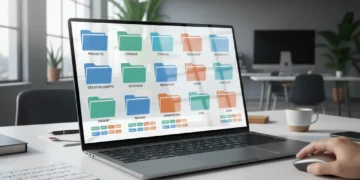
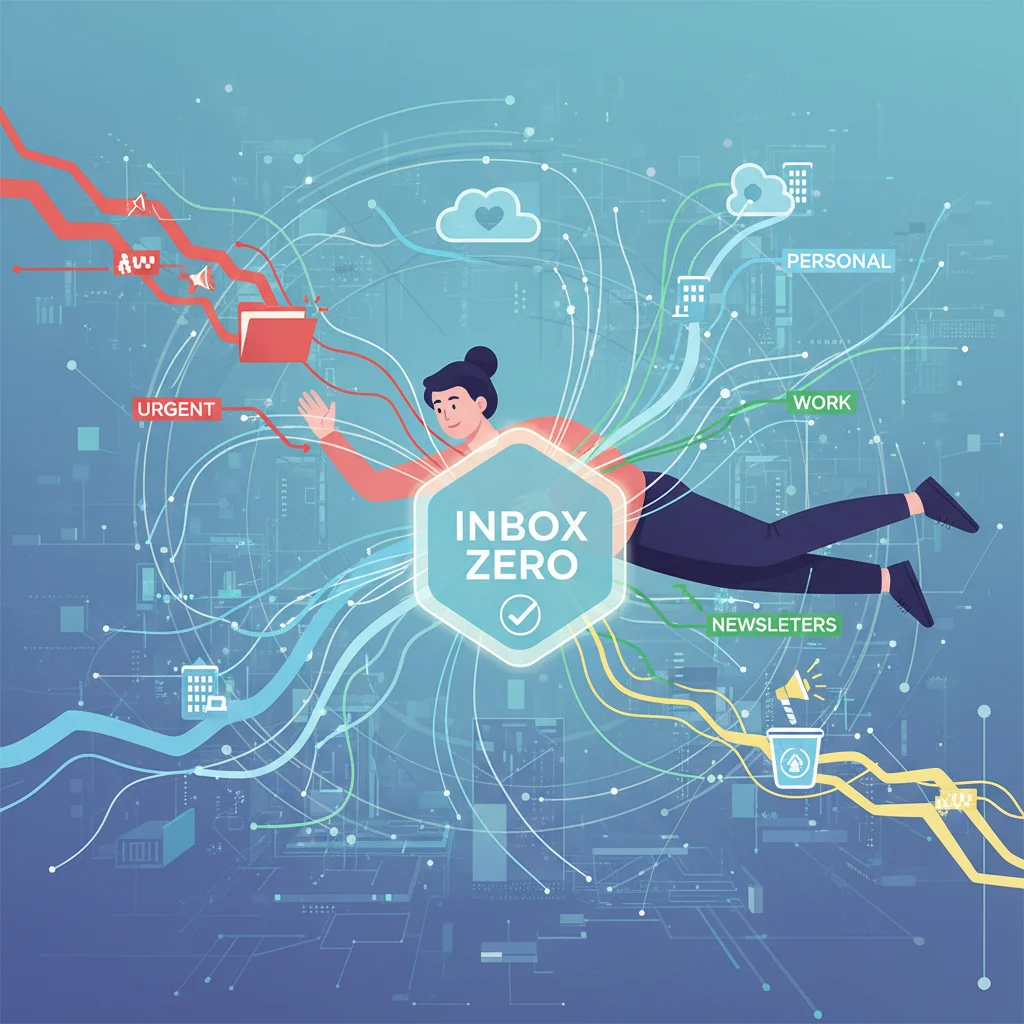
The concept of ‘Inbox Zero’ – having an empty inbox – has been a productivity holy grail for years. In 2026, achieving it isn’t about deleting everything, but about intelligent archiving and leveraging advanced search capabilities. A cluttered inbox is a cluttered mind, and a significant barrier to effective Email Productivity 2026. The goal is to process each email and move it out of your primary inbox, either by responding, delegating, or archiving.
The ‘Inbox Zero’ Workflow for 2026:
- Process, Don’t Just Read: When you open an email, decide its fate immediately. Don’t just read it and leave it to be re-read later.
- Delete/Unsubscribe: For spam, newsletters you don’t read, or irrelevant communications, delete them immediately. Better yet, unsubscribe. AI tools in 2026 can proactively suggest unsubscribing from newsletters you consistently ignore.
- Do: If it’s a two-minute task, do it now (refer to Rule 1).
- Delegate: If the email requires action from someone else, forward it, assign the task, and then archive the original.
- Defer: If an email requires more than two minutes but isn’t urgent, move it to a ‘To Do’ folder or integrate it with your task management system. Many email clients now offer ‘snooze’ features to bring emails back to your inbox at a more opportune time.
- Archive: Once an email has been actioned, responded to, or is simply for reference, move it to your archive. This is where intelligent archiving truly shines.
Intelligent Archiving with AI:
The fear of archiving is often rooted in the concern that you won’t find the email again. However, 2026’s AI-powered search capabilities make this fear largely obsolete. Your AI can:
- Contextual Search: Search not just by keywords, but by context, sender intent, project, or even emotional tone.
- Automatic Tagging: AI can automatically tag emails with relevant project names, client names, or topics as they come in, making future retrieval effortless.
- Related Conversation Grouping: Advanced systems can group all related emails, even if they span different threads or senders, into a single searchable ‘conversation.’
By consistently applying the ‘Inbox Zero’ methodology, supported by intelligent archiving and advanced search, you ensure your primary inbox remains a space for actionable items, significantly enhancing your Email Productivity 2026 and reducing cognitive load.
Rule 4: Leverage Smart Filters and Advanced Automation Beyond Basic Rules
Manual email sorting is a relic of the past. In 2026, achieving peak Email Productivity 2026 means moving beyond simple ‘if-then’ rules to embrace sophisticated smart filters and advanced automation. This is about building an invisible assistant that constantly cleans, prioritizes, and organizes your inbox before you even see it.
Going Beyond Basic Filters:
While basic filters (e.g., move emails from ‘X sender’ to ‘Y folder’) are helpful, 2026’s technology allows for much more. Consider:
- AI-Driven Priority Inbox: Most advanced email clients now offer a ‘priority’ or ‘focused’ inbox that uses AI to determine what’s most important. Don’t just accept its default settings; train it by consistently marking emails as important or unimportant.
- Sentiment Analysis: Some tools can analyze the sentiment of an email. You might set up an automation that flags emails with negative sentiment from key clients, ensuring you address potential issues proactively.
- Project-Based Automation: Integrate your email with project management software. Emails related to specific projects can be automatically tagged, summarized, and even linked to tasks within your project board.
- Smart Notifications: Instead of being notified for every email, set up smart notifications that only alert you for emails from specific senders, with certain keywords, or those deemed ‘urgent’ by your AI.
Automation for Routine Tasks:
Think about the repetitive actions you perform with email. Can they be automated?
- Meeting Scheduling: AI schedulers can parse meeting requests, check your calendar, suggest times, and even send invites without you lifting a finger.
- Information Extraction: For invoices, receipts, or travel confirmations, set up automation to extract key information (dates, amounts, confirmation numbers) and populate a spreadsheet or a dedicated app.
- Follow-up Reminders: If you send an email requiring a response and don’t receive one within a certain timeframe, your system can automatically remind you to follow up, or even draft a polite follow-up message.
- Digest Creation: For non-urgent newsletters or informational emails, set up a rule to collect them into a daily or weekly digest, delivered at a time when you’re ready to consume them.
The power of smart filters and automation lies in their ability to perform constant, invisible work, ensuring that when you do open your inbox, it’s already significantly streamlined and prioritized. This proactive management is a cornerstone of achieving high Email Productivity 2026.
Rule 5: Embrace Digital Detox Periods and Mindful Email Consumption
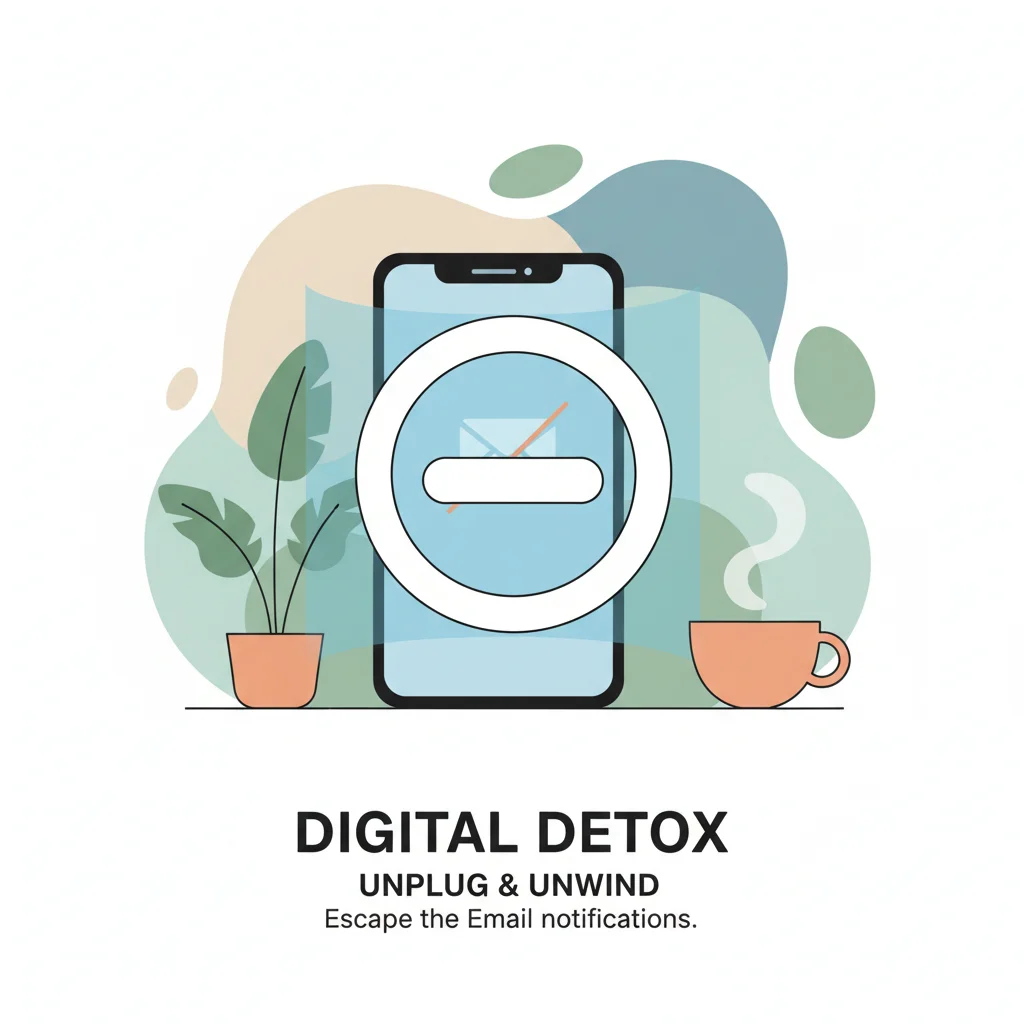
Even with the most advanced tools and strategies for Email Productivity 2026, the human element remains paramount. The constant connectivity enabled by email can lead to digital fatigue, burnout, and a diminished capacity for deep work. Therefore, embracing digital detox periods and practicing mindful email consumption is not just a ‘nice-to-have’ but a fundamental rule for sustainable productivity and well-being.
The Importance of Disconnecting:
Our brains are not designed for constant stimulation. The dopamine hit from a new email notification can be addictive, pulling us away from important tasks and fragmenting our attention. Regular periods of disconnection allow your brain to rest, consolidate information, and return to tasks with renewed focus and creativity.
- Scheduled Digital Detox: Beyond just email hours (Rule 2), implement complete digital detox periods. This could be an hour before bed, during meals, or even entire weekends. During these times, put away all devices or disable all non-essential notifications.
- Mindful Email Sessions: When you do check email, do so with intention. Avoid aimlessly scrolling. Have a clear purpose: to process, respond, or archive. Treat each email session as a focused task, not a casual browse.
- Batch Processing for Focus: Instead of reacting to every notification, process emails in batches. This minimizes context switching, which is a major drain on cognitive resources.
- Prioritize Deep Work: Schedule ‘deep work’ blocks in your calendar where email is completely off-limits. Communicate these blocks to your team if necessary, ensuring you have uninterrupted time for complex tasks.
The Role of AI in Mindful Consumption:
Even your AI can support mindful consumption:
- Smart Summaries: For long email threads or a backlog of emails after a detox, AI can provide concise summaries, allowing you to quickly grasp the essence without reading every word.
- Activity Reports: Some AI tools can provide insights into your email habits – how much time you spend, who you communicate with most, peak activity times. Use this data to refine your boundaries and identify areas for more mindful interaction.
- Automated ‘Zen Mode’: Configure your email client to automatically enter a ‘zen mode’ during your designated deep work times, suppressing all but the most critical notifications.
By consciously integrating periods of disconnection and practicing mindfulness during email interactions, you not only improve your Email Productivity 2026 but also safeguard your mental health and overall quality of life. Remember, technology is a tool; you must remain its master, not its servant.
Conclusion: Your Path to Unprecedented Email Productivity in 2026
The digital landscape of 2026 presents both challenges and unparalleled opportunities for communication. While the sheer volume of emails can be daunting, by diligently applying these five rules, you can transform your inbox from a source of endless distraction into a powerful, streamlined instrument for success. Mastering Email Productivity 2026 is not about eliminating email, but about optimizing your interaction with it.
Let’s recap the essential strategies:
- Implement the ‘Two-Minute Rule’ with AI Augmentation: Tackle quick tasks immediately, leveraging AI for drafting and execution.
- Establish Clear Communication Boundaries and Expectations: Control when and how you engage with email, and communicate these boundaries to others.
- Master the Art of ‘Inbox Zero’ through Intelligent Archiving: Process emails efficiently, moving them out of your main inbox, confident in AI-powered search for retrieval.
- Leverage Smart Filters and Advanced Automation Beyond Basic Rules: Let AI proactively sort, prioritize, and manage routine tasks, minimizing manual effort.
- Embrace Digital Detox Periods and Mindful Email Consumption: Protect your focus and well-being by disconnecting regularly and engaging with email intentionally.
Each of these rules, when applied consistently, reinforces the others. They create a holistic system that reduces digital clutter, minimizes interruptions, and frees up your valuable time and cognitive energy. The future of work demands not just efficiency, but also thoughtful engagement with our tools. By adopting these forward-thinking strategies, you are not just managing your email; you are actively shaping a more productive, focused, and balanced digital life. Start implementing these rules today and experience the profound impact on your Email Productivity 2026 and beyond. Your inbox, and your peace of mind, will thank you.