Top 6 Meeting Scheduling Apps 2026: Master Your Calendar

Top 6 Meeting Scheduling Apps 2026: Master Your Calendar
In today’s fast-paced professional world, efficient time management is not just a luxury, but a necessity. The constant juggle of meetings, deadlines, and personal commitments can quickly become overwhelming without the right tools. This is where meeting scheduling apps come into play, transforming chaotic calendars into streamlined, productive schedules. As we look ahead to 2026, the landscape of these tools continues to evolve, offering more sophisticated features, AI-driven insights, and seamless integrations than ever before.
Gone are the days of endless email chains and phone tag just to find a mutually agreeable time. Modern meeting scheduling apps empower individuals and teams to automate the entire process, saving valuable time and reducing administrative burden. From solopreneurs managing client appointments to large enterprises coordinating global teams, the demand for robust and intuitive scheduling solutions is at an all-time high. This comprehensive review will delve into the top 6 meeting scheduling apps poised to dominate 2026, helping you make an informed decision to optimize your calendar management.
The Evolution of Meeting Scheduling Apps: What to Expect in 2026
The journey of meeting scheduling apps has been remarkable. What started as simple availability checkers has blossomed into powerful platforms offering a suite of features designed to enhance productivity and collaboration. In 2026, we anticipate several key trends shaping the future of these tools:
- Advanced AI and Machine Learning: Expect smarter suggestions for meeting times based on historical data, participant preferences, and even emotional intelligence analysis to avoid ‘meeting fatigue’.
- Deeper Integration Ecosystems: Seamless connectivity with CRM, project management, communication platforms, and even HR systems will become standard, creating a unified workflow.
- Enhanced Customization and Branding: More control over booking page aesthetics, branding elements, and personalized communication will be crucial for professional representation.
- Focus on Wellness and Work-Life Balance: Features that actively prevent burnout, such as intelligent buffer times between meetings, automatic blocking of focus time, and ‘no-meeting’ days, will gain prominence.
- Global Accessibility and Time Zone Management: Superior handling of international scheduling, including automatic time zone conversions and localized interfaces, will be essential for global teams.
- Hybrid Work Optimization: Tools will offer specific functionalities to manage hybrid meetings, including room booking, virtual platform integration, and in-office presence tracking.
Understanding these trends is vital when evaluating which meeting scheduling apps will best serve your needs in the coming year. The right app won’t just find a time; it will optimize your entire professional day.
Criteria for Evaluating the Best Meeting Scheduling Apps
Before diving into our top picks, let’s outline the essential criteria we used to evaluate these meeting scheduling apps. A truly effective scheduling tool should excel in several areas:
1. Ease of Use and User Interface (UI)
An intuitive interface is paramount. If an app is difficult to navigate, users won’t adopt it, regardless of its features. We looked for clean designs, logical workflows, and minimal learning curves.
2. Calendar Integration
Seamless integration with popular calendar services (Google Calendar, Outlook Calendar, Apple Calendar) is non-negotiable. The best meeting scheduling apps sync in real-time, preventing double bookings and ensuring up-to-date availability.
3. Customization Options
The ability to customize booking pages, meeting types, durations, and availability rules allows users to tailor the experience to their specific needs and brand.
4. Automation and Smart Features
Beyond basic scheduling, we sought out apps that offer automation for reminders, follow-ups, time zone detection, and intelligent scheduling suggestions.
5. Team Collaboration Features
For teams, features like pooled availability, round-robin scheduling, and centralized team dashboards are critical for efficient group coordination.
6. Integrations with Other Tools
The modern tech stack is complex. The best meeting scheduling apps integrate with video conferencing tools (Zoom, Google Meet, Microsoft Teams), CRM systems, project management software, and payment gateways.
7. Pricing and Scalability
Value for money and the ability to scale with your growing needs, from individual plans to enterprise solutions, were also key considerations.
8. Security and Privacy
Given the sensitive nature of scheduling and personal data, robust security measures and clear privacy policies are essential.
Top 6 Meeting Scheduling Apps for 2026: An In-Depth Review
Now, let’s explore the leading meeting scheduling apps that are set to define efficient calendar management in 2026.
1. Calendly: The Industry Standard, Evolved
Overview: Calendly remains a titan in the meeting scheduling apps space, and for good reason. Its simplicity, robust feature set, and widespread adoption make it a go-to for individuals and businesses alike. In 2026, Calendly is expected to further solidify its position with enhanced AI features and deeper enterprise integrations.
Key Features (2026 Projections):
- Intuitive Interface: Still leading with an incredibly user-friendly design.
- Advanced AI-Driven Availability: Smarter suggestions for optimal meeting times based on participant calendars, even considering travel time and personal preferences.
- Comprehensive Calendar Integrations: Unmatched syncing with Google, Outlook, iCloud, and more, including advanced conflict detection across multiple calendars.
- Customizable Booking Pages: Extensive branding options, custom questions, and redirects after booking.
- Team Scheduling: Round-robin, collective, and pooled availability options for teams, with intelligent load balancing.
- Enhanced Integrations: Deeper native integrations with Salesforce, HubSpot, Zoom, Microsoft Teams, Slack, and payment processors like Stripe and PayPal.
- Workflow Automation: Automated email and SMS reminders, follow-ups, and pre-meeting questionnaires.
- Analytics and Insights: Detailed reporting on meeting trends, no-show rates, and team productivity.
- Hybrid Meeting Management: Integrated room booking and virtual meeting platform setup within a single event.
Pros: Extremely easy to use, wide range of integrations, excellent for both individuals and large teams, strong focus on automation, reliable performance.
Cons: Advanced features can get pricey for smaller teams, some niche integrations might require Zapier.
Best For: Anyone needing a reliable, feature-rich scheduling solution, from freelancers to large corporations. It’s particularly strong for sales, recruiting, and customer success teams.
2. Chili Piper: Revenue-Focused Scheduling for Sales & Marketing
Overview: Chili Piper stands out among meeting scheduling apps by focusing specifically on accelerating revenue for sales and marketing teams. It’s not just about booking a meeting; it’s about booking the right meeting with the right person at the right time, directly from your website or CRM. By 2026, its AI capabilities for lead qualification and routing are expected to be even more sophisticated.
Key Features (2026 Projections):
- Instant Booker: Book meetings directly from emails, CRM, or website forms with a single click.
- Smart Routing: Intelligent lead routing rules to connect prospects with the correct sales rep based on territory, product interest, or availability.
- Meeting Automation: Automated meeting invites, reminders, and follow-ups.
- Handoffs: Seamlessly hand off qualified leads from marketing to sales with pre-populated meeting details.
- Advanced CRM Integration: Deep, bidirectional sync with Salesforce, HubSpot, and other CRMs, updating records in real-time.
- Concierge Service: Website visitors can instantly book meetings with the right rep, enhancing conversion rates.
- Form Submission to Meeting: Automatically present a calendar after a form submission.
- Queue Management: Distribute meetings fairly among team members.
Pros: Highly specialized for sales and marketing, significantly boosts conversion rates, deep CRM integration, robust routing capabilities.
Cons: Can be overkill for basic personal scheduling, higher price point reflects its enterprise focus.
Best For: Sales teams, marketing departments, and B2B companies looking to optimize their lead-to-meeting conversion process and streamline revenue operations.
3. Acuity Scheduling (by Squarespace): Comprehensive & Customizable
Overview: Acuity Scheduling is a powerful and highly customizable meeting scheduling app, particularly favored by service-based businesses, consultants, and wellness professionals. Its strength lies in its extensive booking options, client management features, and integrated payment processing. As part of Squarespace, expect even tighter integration with website builders and e-commerce platforms in 2026.
Key Features (2026 Projections):
- Customizable Scheduling Pages: Highly branded and personalized booking pages with custom intake forms.
- Client Management: Maintain client lists, notes, and booking history.
- Payment Processing: Directly integrate with Stripe, Square, and PayPal to accept payments for appointments.
- Classes and Group Appointments: Manage group sessions, workshops, and multiple attendees.
- Gift Certificates & Packages: Offer and track promotional deals and bundled services.
- Automated Reminders & Confirmations: Customizable email and SMS notifications.
- Multiple Staff & Locations: Manage schedules for various team members and different office locations.
- Video Conferencing Integration: Auto-generate Zoom, Google Meet, or Microsoft Teams links.
- Time Zone Auto-Adjust: Seamless experience for clients across different time zones.
Pros: Extremely flexible for service businesses, strong payment integration, excellent client management, highly customizable.
Cons: Can have a steeper learning curve than simpler apps due to its vast features, interface might feel a bit dated compared to newer competitors.
Best For: Service providers, coaches, consultants, salons, fitness studios, and any business that requires clients to book and potentially pay for appointments.
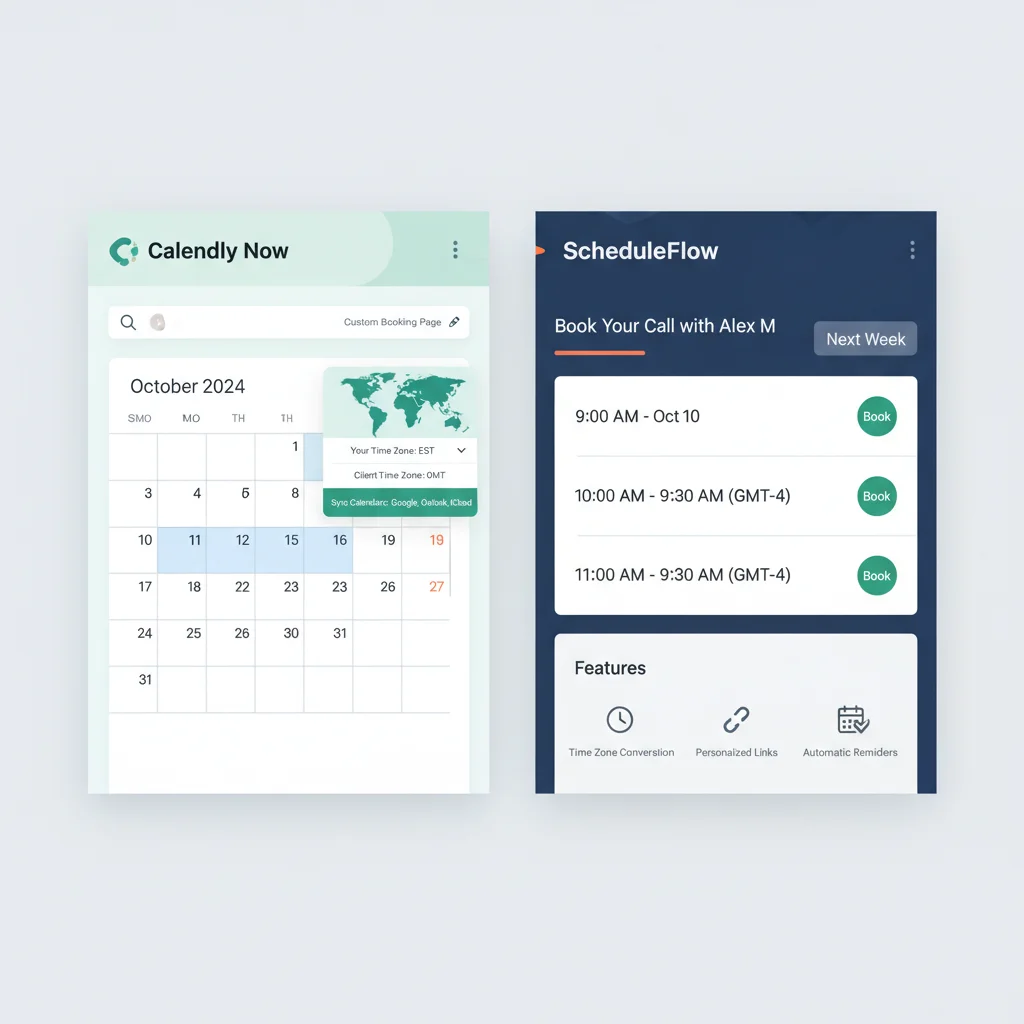
4. SavvyCal: The Collaborative & Personalized Scheduler
Overview: SavvyCal is a relatively newer player in the meeting scheduling apps market, but it has quickly gained traction for its unique approach to collaborative scheduling and personalized links. It aims to reduce friction for both the scheduler and the invitee, making the process feel more natural and less like a chore. In 2026, expect more advanced personalization and AI-driven insights into optimal meeting patterns.
Key Features (2026 Projections):
- Overlay Calendars: Invitees can overlay their calendar on your booking page to instantly see mutual availability.
- Personalized Links: Generate unique, pre-filled scheduling links for specific individuals, making booking faster for them.
- Prioritized Times: Highlight preferred meeting times on your calendar to guide invitees.
- Flexible Availability: Easily adjust your availability on the fly without rigid rules.
- Team Scheduling: Simple round-robin and collective scheduling for teams.
- Calendar Integrations: Strong syncing with Google, Outlook, and iCloud calendars.
- Customization: Brand your booking pages and customize meeting types.
- Meeting Polls: Send out polls to find the best time for multiple attendees.
- Buffer Times: Automatically add buffer time before and after meetings.
Pros: Innovative overlay feature, highly personalized scheduling links, very user-friendly for both parties, clean and modern interface.
Cons: Still building out its integration ecosystem compared to older players, may not have the deep enterprise features of Calendly or Chili Piper.
Best For: Individuals and small to medium-sized teams who value a highly personalized and collaborative scheduling experience, especially those who frequently schedule with external clients or partners.
5. Microsoft Bookings: Integrated for Microsoft 365 Users
Overview: For organizations deeply embedded in the Microsoft 365 ecosystem, Microsoft Bookings is a natural choice among meeting scheduling apps. It’s included with many Microsoft 365 subscriptions, offering a convenient way to manage appointments for businesses that rely on Outlook and Teams. In 2026, expect even tighter integration with other Microsoft services and AI-driven scheduling within the Teams environment.
Key Features (2026 Projections):
- Online Booking Page: Customizable public-facing booking page for clients.
- Staff Management: Assign appointments to specific staff members and manage their availability.
- Service Offerings: Define different services, durations, and pricing.
- Outlook Calendar Sync: Seamless, real-time integration with staff Outlook calendars.
- Microsoft Teams Integration: Automatically generate Teams meeting links for virtual appointments.
- Automated Notifications: Email confirmations and reminders for both staff and clients.
- Customer Management: Basic client information storage.
- Mobile App: Manage bookings on the go.
Pros: Included with many Microsoft 365 subscriptions, tight integration with Outlook and Teams, easy for existing Microsoft users to adopt.
Cons: Less customizable than dedicated scheduling apps, limited integrations outside the Microsoft ecosystem, can feel less intuitive for non-Microsoft users.
Best For: Small to medium-sized businesses and departments that are already heavily invested in Microsoft 365 and primarily use Outlook and Teams for communication and scheduling.
6. Doodle: The Polling Powerhouse
Overview: Doodle has been a long-standing solution for finding the best time for group meetings without revealing individual calendars. While it’s more of a meeting poll tool than a full-fledged booking system, its effectiveness in coordinating multiple participants cannot be overstated. In 2026, expect Doodle to evolve with more direct calendar integrations beyond polling and potentially AI-driven smart suggestions for poll times.
Key Features (2026 Projections):
- Meeting Polls: The core feature, allowing participants to vote on preferred meeting times.
- Calendar Integration: Connects to your calendar to show your availability when setting up polls and adds chosen meetings.
- 1:1 Meetings: Simple direct scheduling for individual meetings, similar to basic booking apps.
- Booking Page: A personalized booking page for direct scheduling (Pro feature).
- Automated Reminders: Send reminders to participants to complete polls.
- Customization: Brand your polls and booking pages (Pro feature).
- Time Zone Support: Automatically adjusts for different time zones for poll participants.
Pros: Unbeatable for finding the best time for groups, very easy to use for participants, widely recognized and adopted.
Cons: Less of a full-service booking app compared to others, free version has ads and limited features, not ideal for complex individual appointment management.
Best For: Anyone needing to coordinate meeting times with multiple participants, especially for internal team meetings, committees, or informal group gatherings where finding a consensus time is the primary goal.
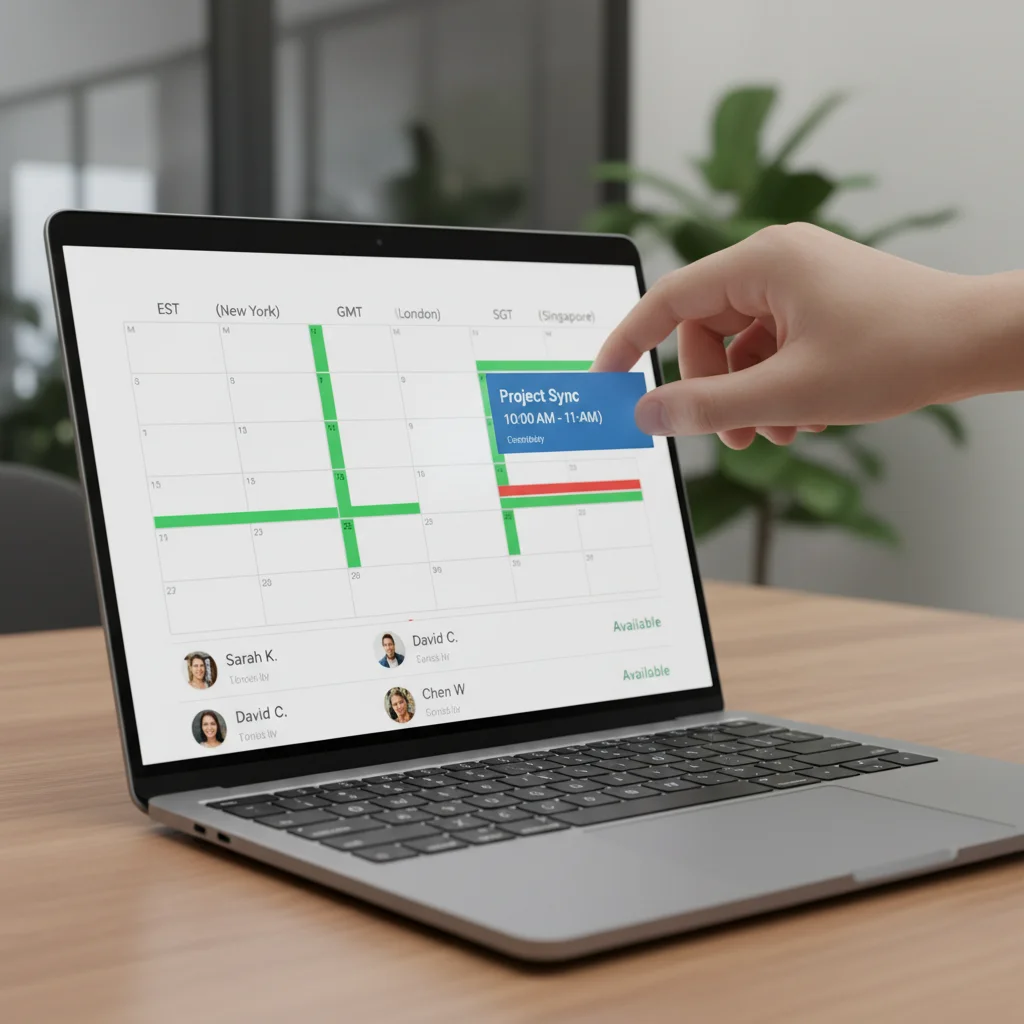
Choosing the Right Meeting Scheduling App for You
With such a diverse range of meeting scheduling apps available, selecting the perfect one can seem daunting. The ‘best’ app isn’t a universal truth; it’s the one that best aligns with your specific needs, workflow, and budget.
Consider Your Primary Use Case:
- Individual Professionals/Freelancers: If you primarily schedule 1:1 client meetings, Calendly or Acuity Scheduling offer robust features and customization. SavvyCal is also a strong contender for its personalized approach.
- Sales & Marketing Teams: Chili Piper is purpose-built for accelerating revenue, while Calendly also offers strong integrations for these functions.
- Service-Based Businesses (e.g., Salons, Coaches): Acuity Scheduling’s comprehensive booking, payment, and client management features make it ideal.
- Internal Team Coordination/Group Meetings: Doodle remains the king for quick group polling, but Calendly and SavvyCal also offer excellent team scheduling options.
- Microsoft 365 Users: Microsoft Bookings provides a seamless experience if your organization is already invested in the Microsoft ecosystem.
Evaluate Integrations:
Look at your existing tech stack. Which video conferencing tools do you use? What about your CRM, project management software, or payment gateways? Ensure your chosen meeting scheduling app integrates smoothly with these essential tools to avoid data silos and manual transfers.
Assess Scalability:
Think about your future needs. Are you a solo operation planning to grow into a team? Does the app offer tiered pricing and features that can accommodate that growth without forcing a complete system overhaul?
Prioritize Ease of Use:
Both for yourself and your invitees. A complex scheduling process can deter potential clients or frustrate internal team members. Opt for an intuitive interface that simplifies, rather than complicates, the booking experience.
The Future of Seamless Calendar Management with Meeting Scheduling Apps
As we navigate further into 2026, the role of meeting scheduling apps will only become more critical. They are no longer just tools for booking appointments; they are strategic assets that drive efficiency, improve client satisfaction, and enhance overall productivity. The advancements in AI, deeper integrations, and a growing focus on user well-being are transforming how we think about and manage our time.
By carefully considering the options reviewed here, you can select a meeting scheduling app that not only meets your current needs but also prepares you for the evolving demands of the modern professional landscape. Embrace these powerful tools to reclaim your time, reduce administrative overhead, and foster more productive connections. The future of calendar management is here, and it’s remarkably seamless.